Synopsis
Hello there,
I am the CEO and one of the co-founders of futurevera.thm. In Futurevera, we believe that the future is in space. We do a lot of space research and write blogs about it. We used to help students with space questions, but we are rebuilding our support.
Recently blackhat hackers approached us saying they could takeover and are asking us for a big ransom. Please help us to find what they can takeover.
Our website is located at https://futurevera.thm
Platform
TryHackMe
Level
Easy
Tools
- nmap
- ffuf
- Gobuster
- Bash
Questions
What's the value of the flag?
I first started off with using nmap to scan the target IP.
nmap -p- -sV -sC <target_ip>
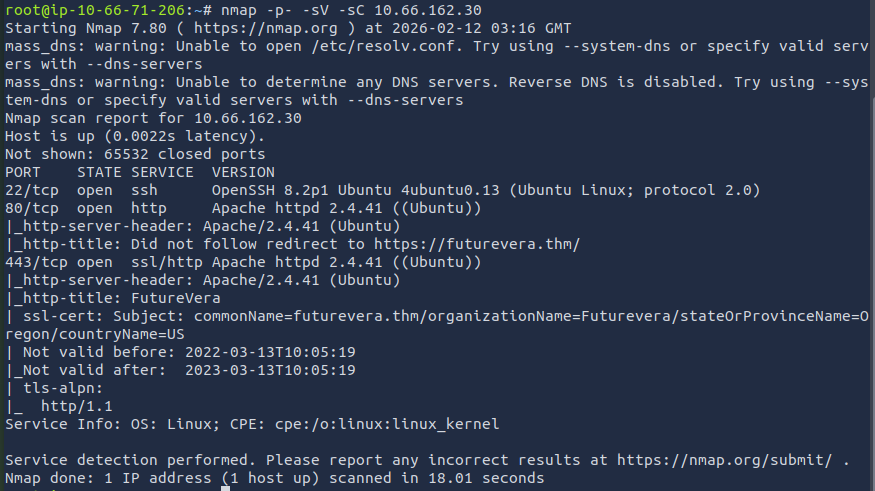
The results show that port 22, 80, and 443 are open. Since this CTF is based off of subdomain enumeration, I can rule out port 22 and focus on ports 80 and 443. I added the target IP and the domain (futurevera.thm) into /etc/hosts to access it through the web browser.

I then used fuff to start the subdomain enumeration. I first started with HTTP.
ffuf -w <path_to_wordlist> -u http://<target_ip> -H "Host: FUZZ.futurevera.thm" -mc 200
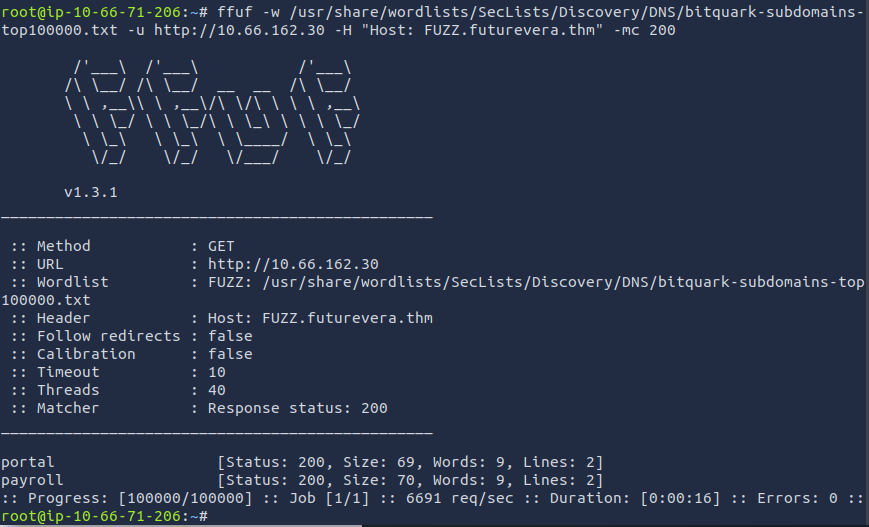
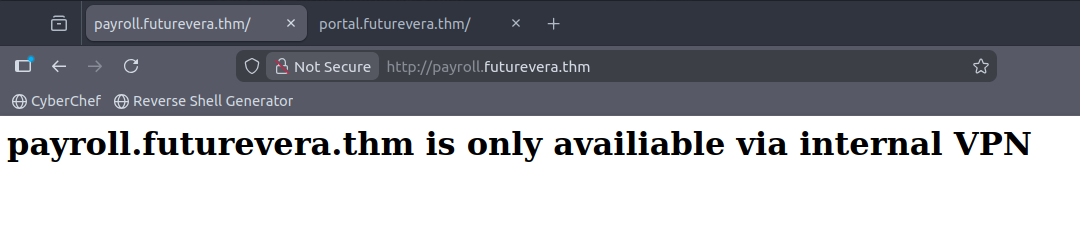
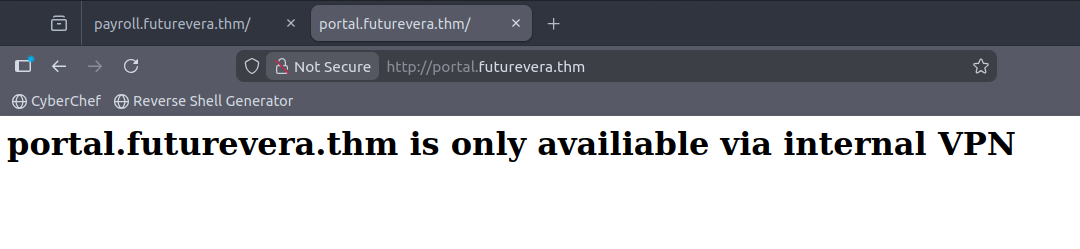
I found two subdomains, portal and payroll. I then added these subdomains to the /etc/hosts file to see what could be on there. When reviewing the sites, it seems that is it only accessible through an internal VPN.

I then tried the same command but with HTTPS. It was printing a bunch of results. I noticed that majority of the results had a size of 4605 and used -fs to filter out the noise. This is the new command that I used:
ffuf -w <path_to_wordlist> -u https://<target_ip> -H "Host: FUZZ.futurevera.thm" -fs 4605
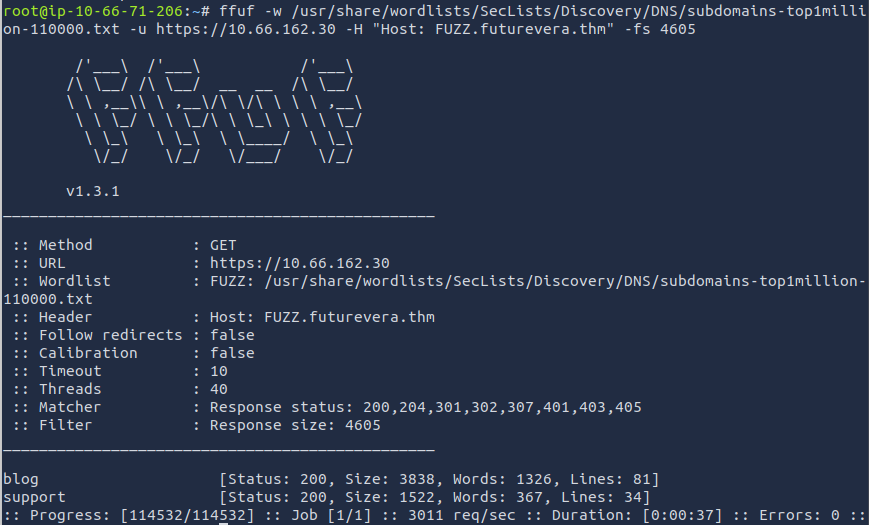
Here we are with two new subdomains that we can add to the /etc/hosts file. After adding them, we are able to access the website, but when reviewing the website, there is nothing much to be found.
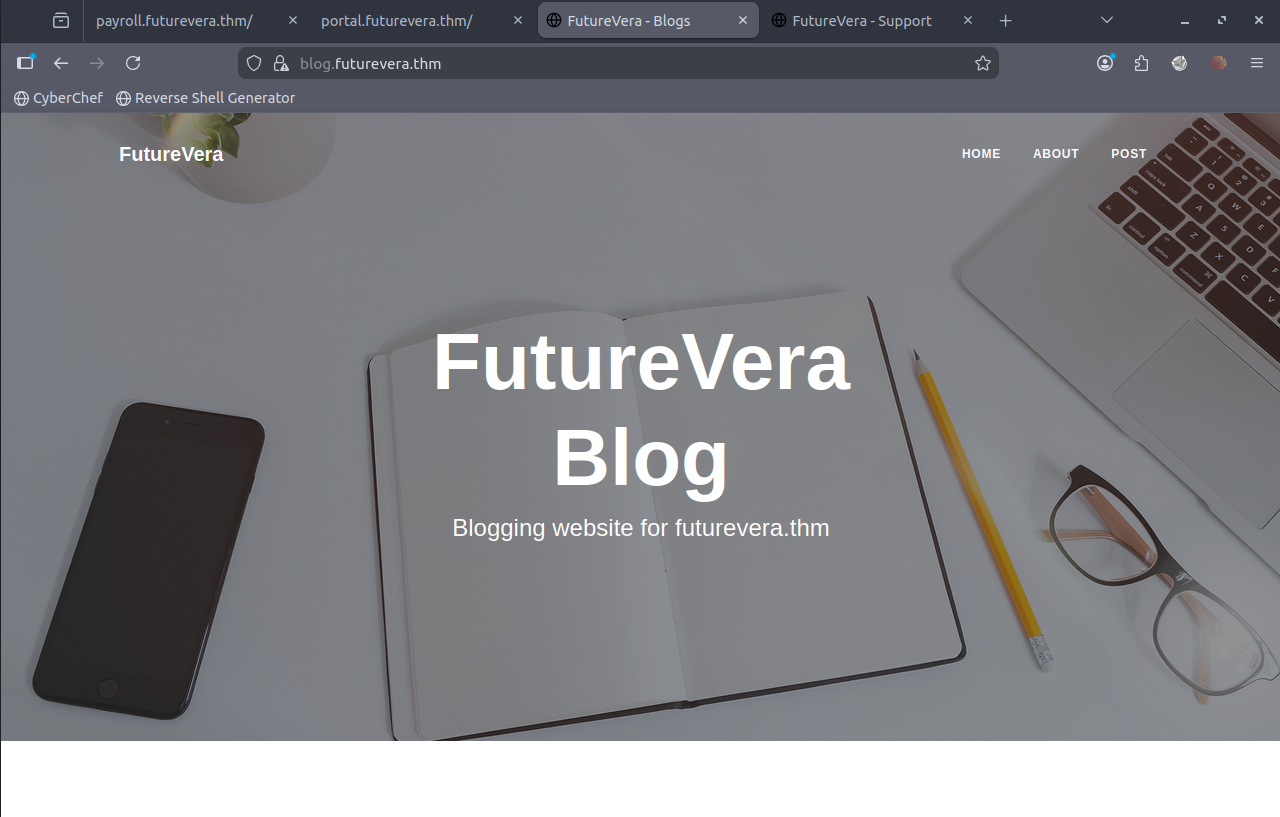
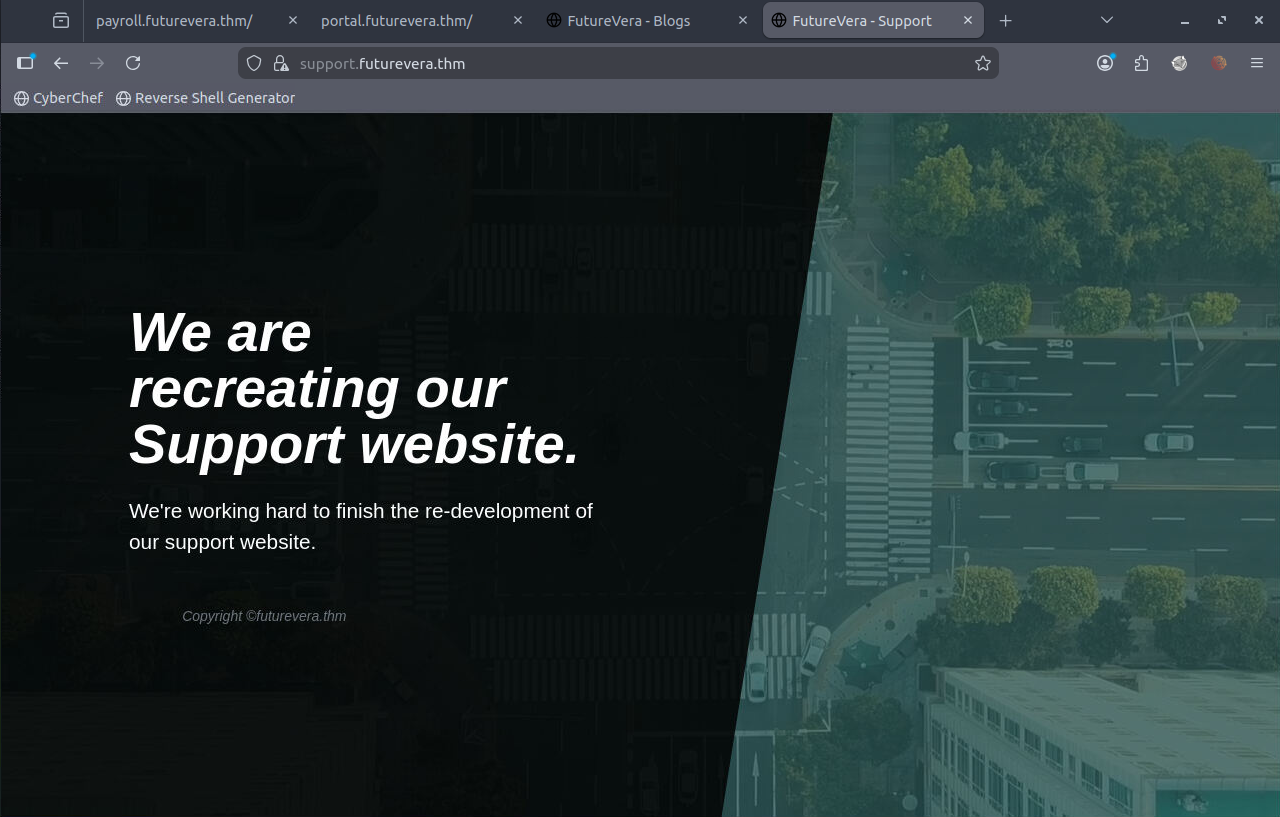
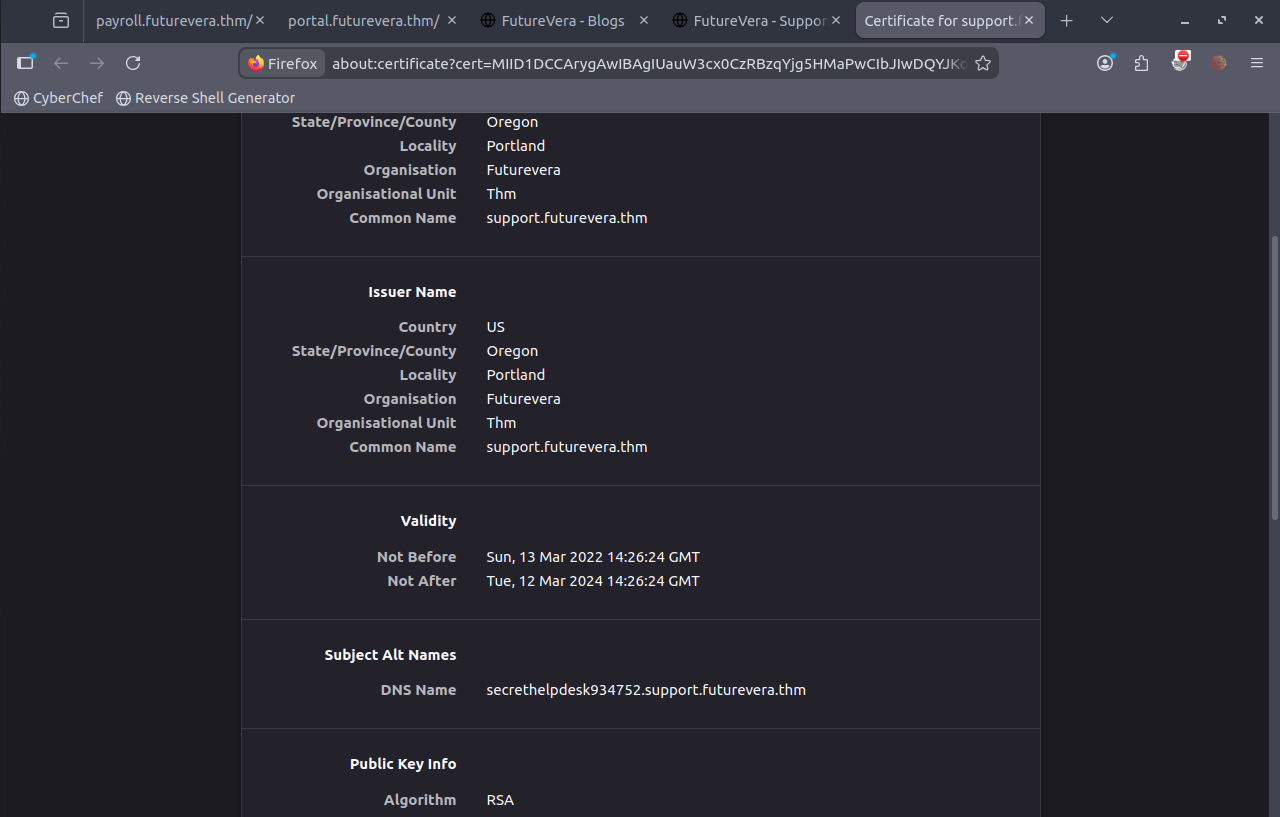
I started looking at each of the subdomain certificates. You can do this by clicking the lock icon in the URL bar. I came across something interesting with the subdomain "support.futurevera.thm". There is a DNS name "secrethelpdesk934752.support.futurevera.thm".
I added this to the /etc/hosts file and accessed it through the web browser. This is what I got!

The flag has been found!!!
Side Note:
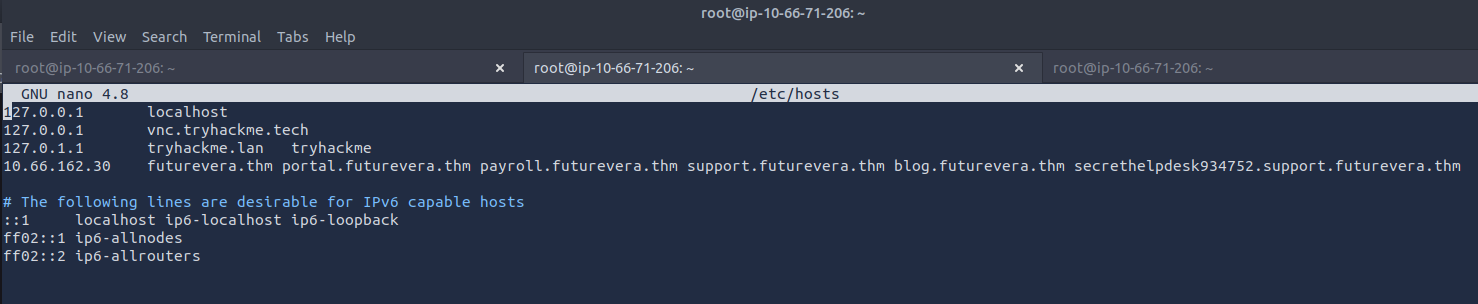
/etc/hosts file should end up looking like this:
What I Learned
You can also do subdomain enumeration with Gobuster. I found it to be a slower than ffuf, but you can still use Gobuster to complete this challenge.
gobuster dns -w /usr/share/wordlists/dirb/common.txt -d futurevera.thm
When using ffuf, you can use -f to filter. I decided to use to -fs to filter the size. There is also:
- -fw for words
- -fl for lines
- -fc for status code